GPU Options
Note that this tab is only used as long as Machine Learning is selected from the Identification Method pull-down menu under the Fiber Identification tab.
If suitable graphics cards are detected during installation of GeoDict, the preferred GPU can be chosen via a checkbox and will be used for running Identify Fibers (AI), otherwise it is running in CPU mode.
The choice for Batch Size is related to the memory available on the graphics card (GPU). Conceptually, FiberFind loads the graphics card with portions of work called batches. The higher the number of batches, the faster the computation. Currently, the selection must be made manually by entering an appropriate value in the Batch Size field.
In case of a Batch Size, which is too large for the available graphics card, the following error message appears.
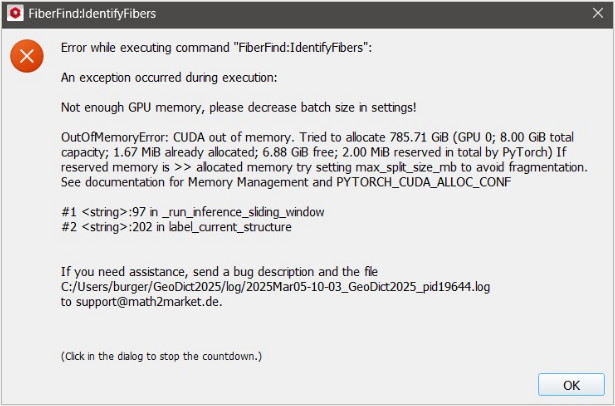
In this case, the number of batches needs to be reduced. Note that for CPU-based computation, the choice of batch size is not critical and can be left at the default.
