FoamGeo module section
FoamGeo starts after selecting Model → FoamGeo in the Menu bar. It can be used to generate Kelvin structures and random open-cell and closed-cell foams.
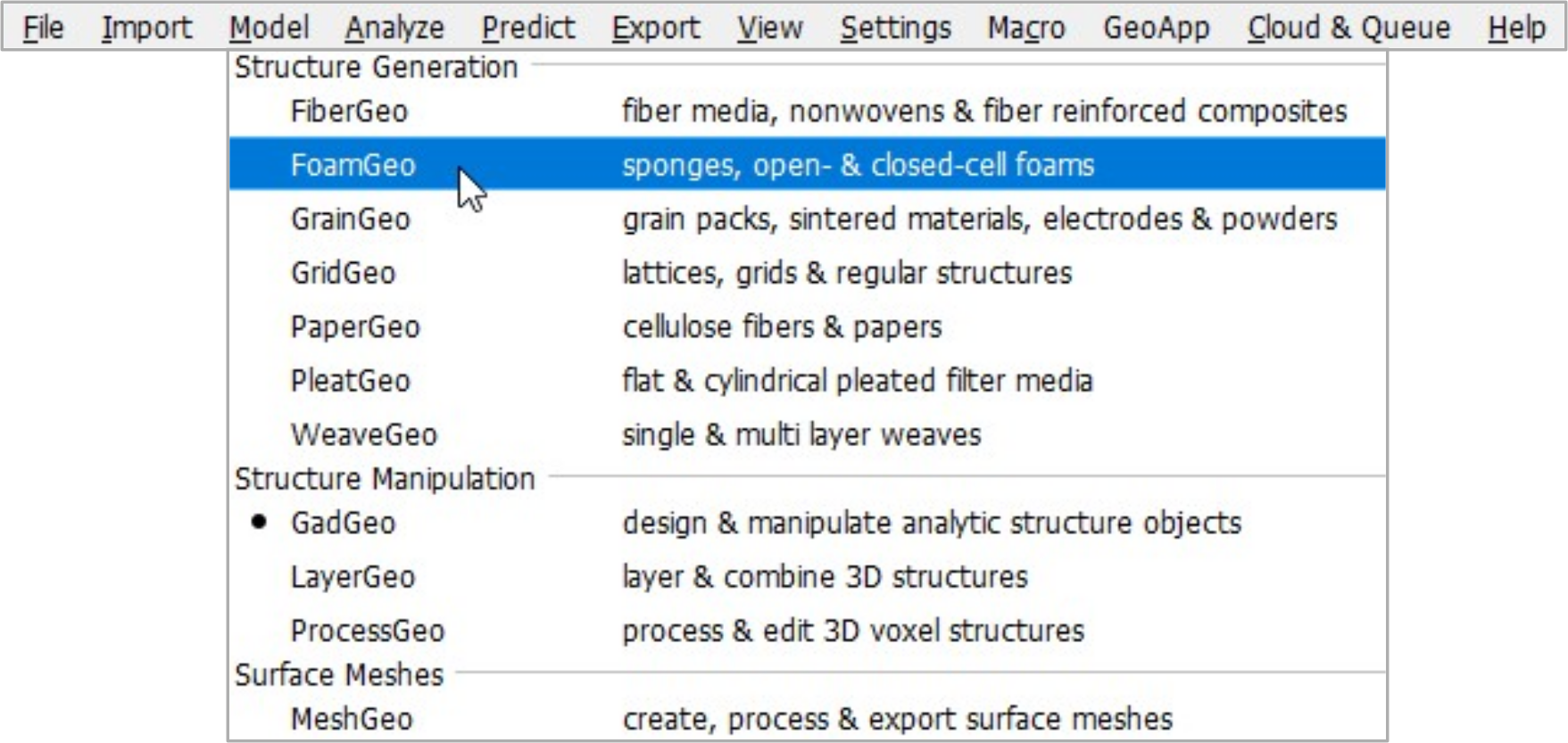
To the left of the Visualization area, the module section is headed FoamGeo when working with the FoamGeo module.
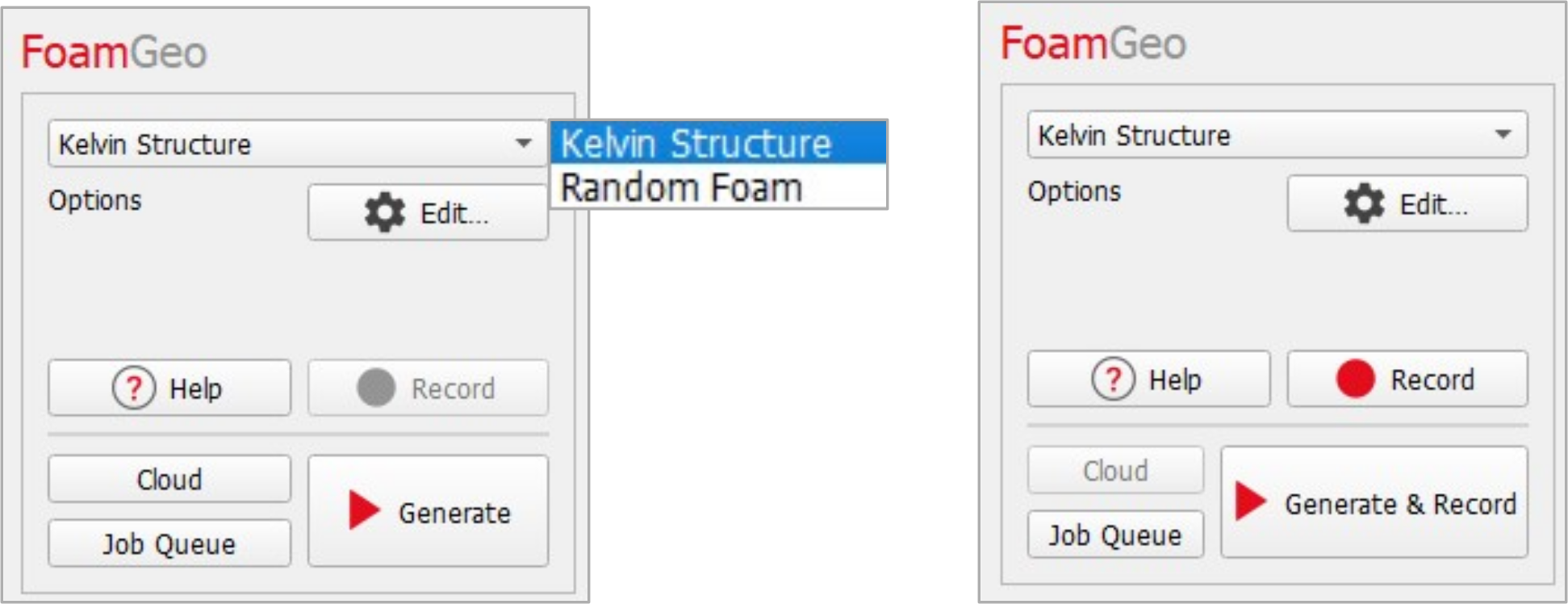
After selecting one of the two types of foams (Kelvin Structure or Random Foam) from the pull-down menu, enter the necessary parameters through the Edit... button. The Foam Options dialog, which opens when clicking the Edit… button, differs depending on the foam choice made and will be explained in more detail in the next sections.
When recording a macro, the Record button becomes active and the Generate button changes to Generate & Record.
Clicking Generate at the bottom of the FoamGeo section starts the foam generation.
