Set-up Training Data Manually
After creating training data without using GeoDict-AI, the available input and output files have to be saved in a defined folder structure. For structure files (*.gdt) generated with the GeoDict structure generator using Create Training Data, the required folder structure is produced automatically.
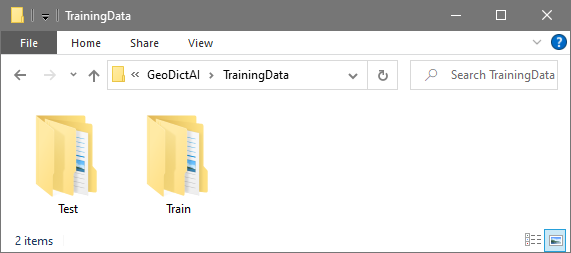
Create an empty folder for the training data. The name of this folder can be chosen freely according to the corresponding project. In the User Guide example, it is called “TrainingData”.
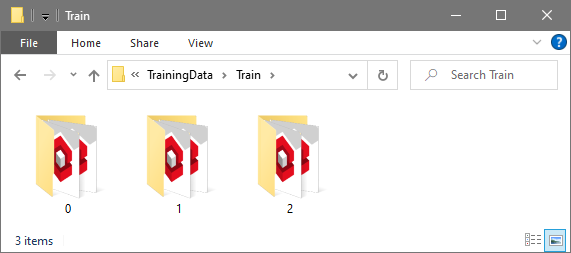
Inside this folder create a folder named Train. For each training pair (input and output file) create a folder, which can again be named freely, for example with the scan’s name. In the example we called the folders as it is done when creating training data automatically with numbered folders starting with “0”.
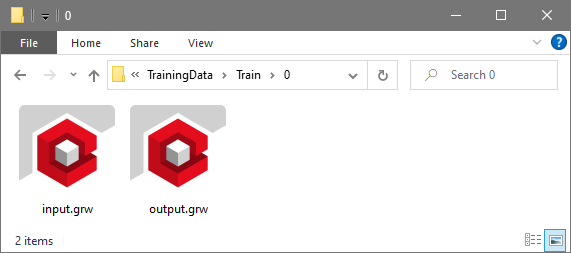
The neural network will learn how to transform the input into the given output. Thus, place the training data pairs in the folders. The training data pairs can have the following file formats depending on the application:
- input.grw and output.grw for enhancing grayscale images,
- input.gdt and output.gdt for identifying different materials or individual fibers in a structure, or
- input.grw & output.gdt for segmenting grayscale images.
For identifying fibers and distinguishing between material phases, additionally a folder Test can be placed inside the training data folder containing more folders with input.gdt and output.gdt pairs, if enough pairs are available. This data can be used in Validate Performance to verify if the network performs well on structures not included in the training.