Available Object Types
The Object Type is selected from the pull-down menu at the lower left under the Object Options tab. After selecting, click Add to include this object type. If the wrong object type has been added, discard it by clicking Remove.
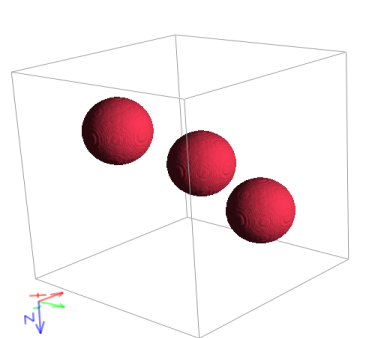
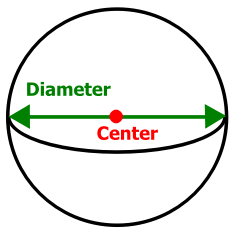
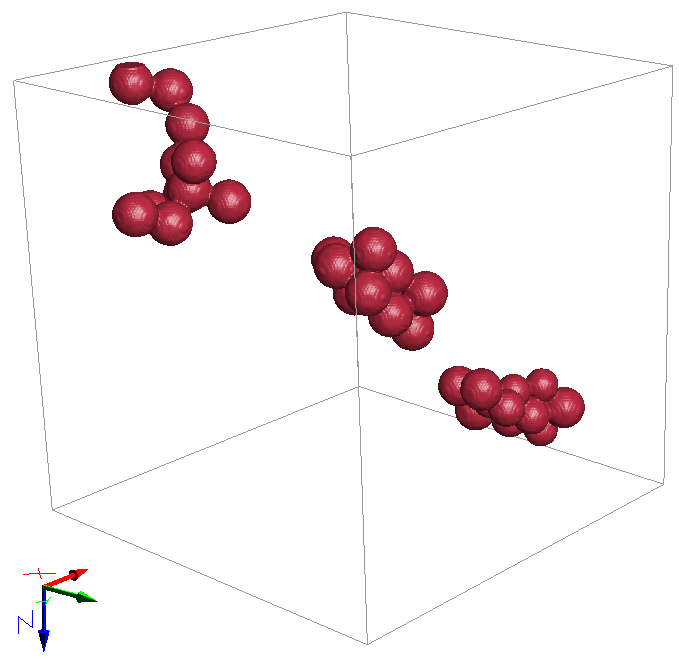
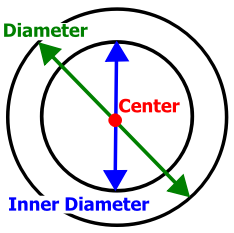
The following table summarizes the object types that can be used with GrainGeo Create and Pile commands: Sphere, Hollow Sphere, Ellipsoid, Superquadric Particle, Box, Planar Polyhedron, Convex Polyhedron, Pyramid, Short Fibers (Circular, Hollow, Rosetta, Elliptical, Cellulose, Rectangular, and Angular), and their combinations (Combined Objects).
Object Type |
Example |
Defining parameters |
|---|---|---|
Sphere |
 |
 |
Sphere Agglomerate |
 |
 |
Hollow Sphere |
 |
|
Ellipsoid |
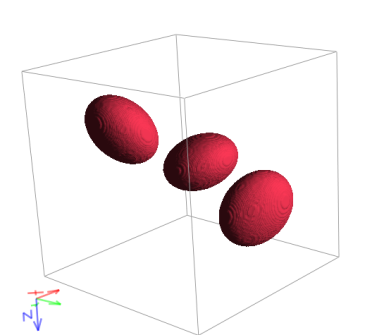 |
 |
Superquadric Particle |
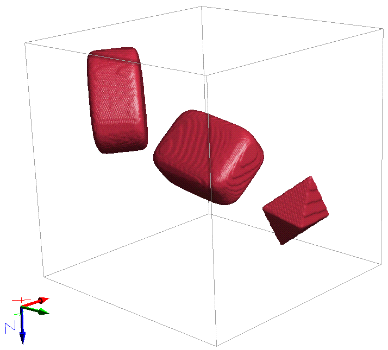
|
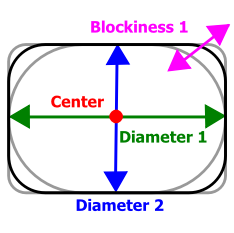 |
Box |
 |
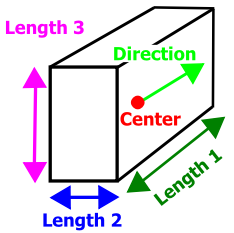 |
Planar Polyhedron |
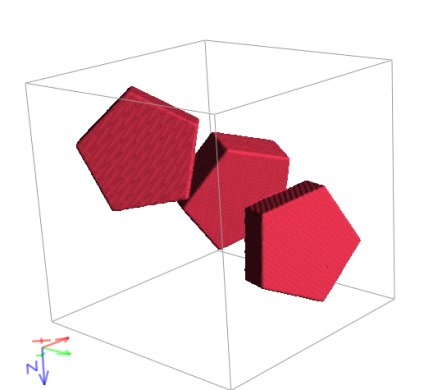 |
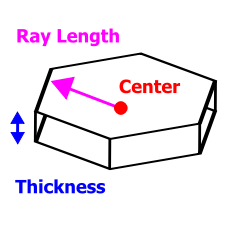 |
Convex Polyhedron Enclosing Object: Sphere |
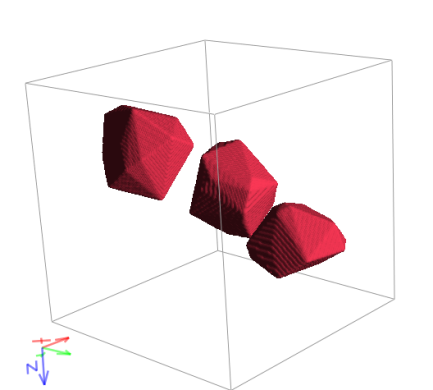 |
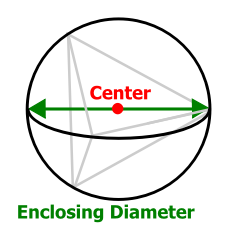 |
Convex Polyhedron Enclosing Object: Ellipsoid |
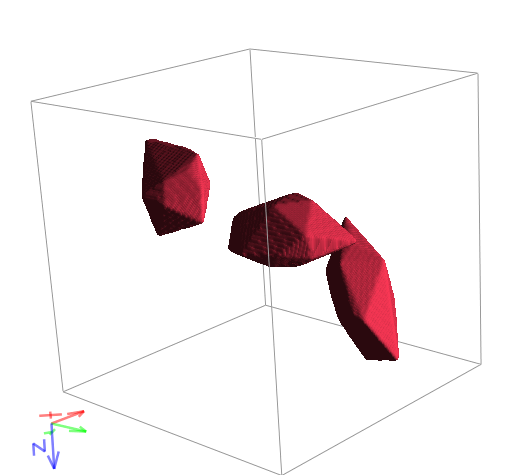 |
|
Convex Polyhedron Enclosing Object: Box |
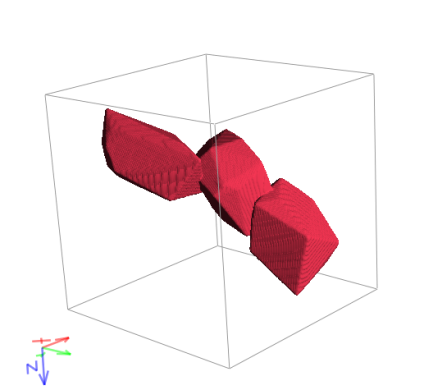 |
|
Convex Polyhedron Enclosing Object: Pyramid |
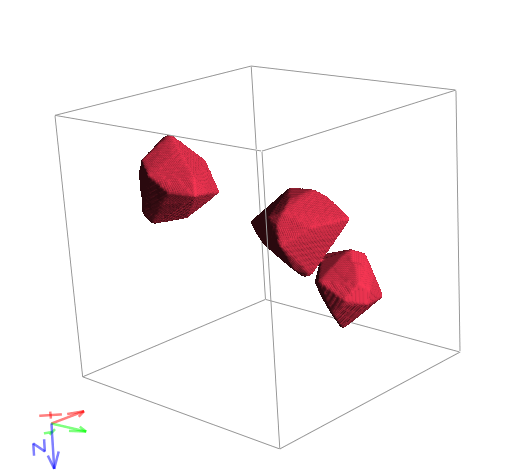 |
|
Pyramid |
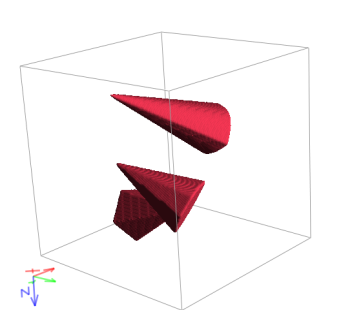 |
 |
Short Circular Fiber |
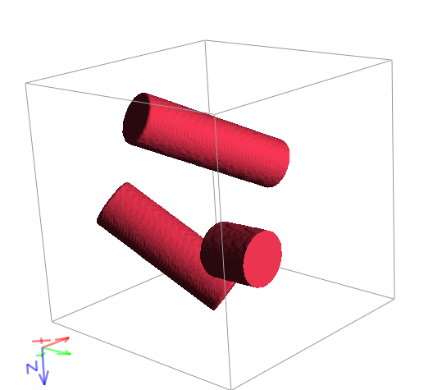 |
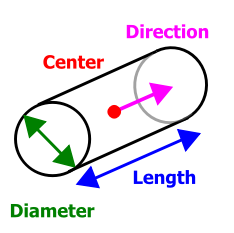 |
Short Hollow Fiber |
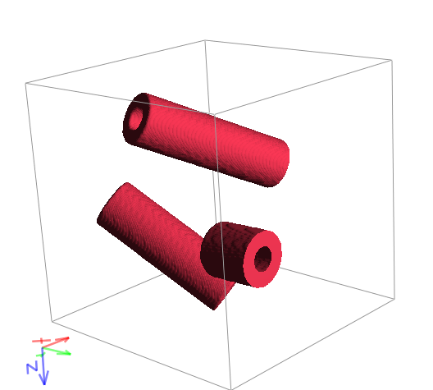 |
 |
Short Rosetta Fiber |
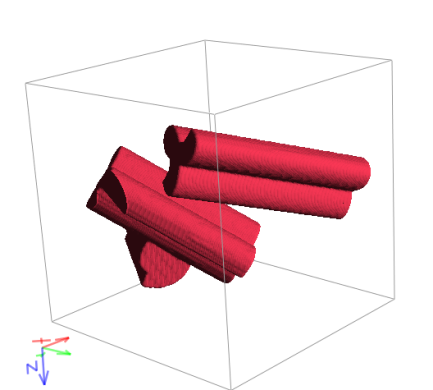 |
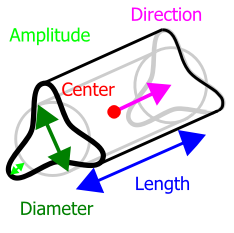 |
Short Elliptical Fiber |
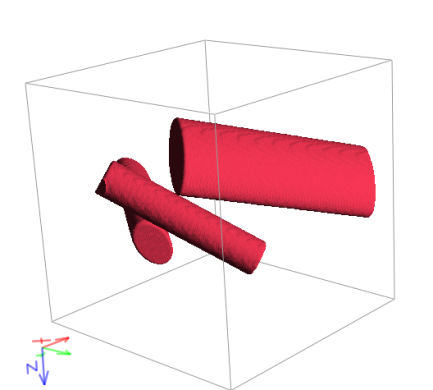 |
 |
Short Cellulose Fiber |
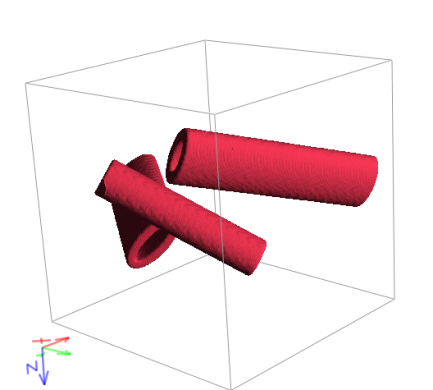 |
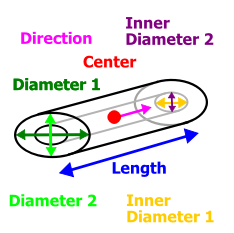 |
Short Rectangular Fiber |
 |
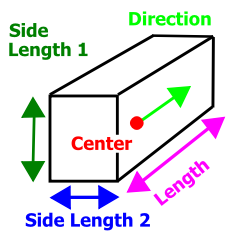 |
Short Angular Fiber Red: 3 edges Gray: 5 edges |
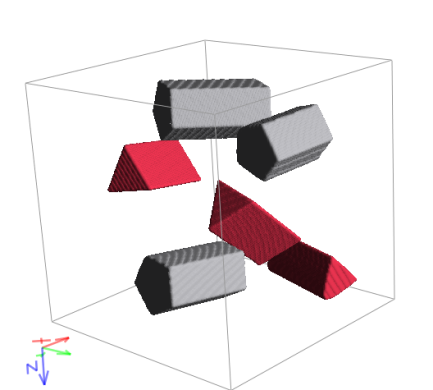 |
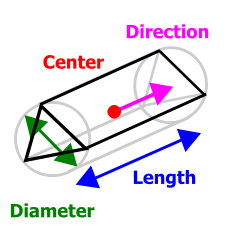 |
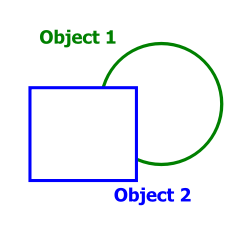
Combined Object |
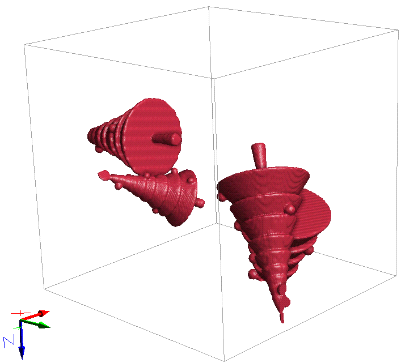 |
 |
