Grain GeoApps
When Grain GeoApps is selected in the GrainGeo section, predefined structures can be chosen from the pull-down menu in the Grain GeoApps panel: Al2O3-ceramic, Cordierite-Ceramic, Martensite, Metal-Matrix Composite, PZT-Ceramic, SiC-Ceramic, Water Membrane, and Piling of Complex Objects.
Add Grain GeoApps
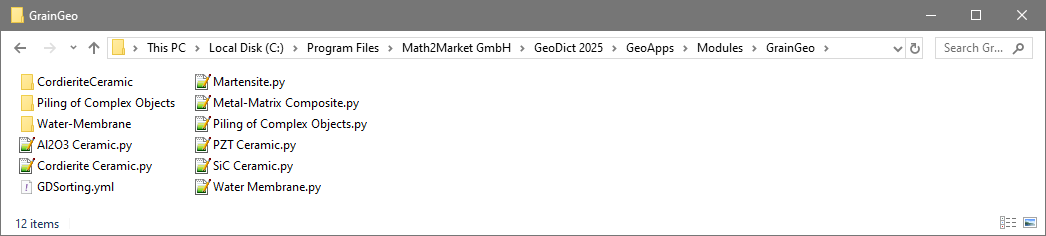
During the creation of predefined materials, the corresponding GeoDict macros are called and executed. These macros can be accessed through the Open Macro-File button; alternatively, they are available in the GrainGeo folder inside the GeoApps folder of the GeoDict installation folder. They can be opened with a text editor to check or edit the syntax of the generation steps. To learn how to add GeoApps, refer to the GeoApp handbook.
Grain GeoApp Gallery
All GeoApps can be edited through the Options’ Edit… button. The parameters for the apps are shown in their respective dialog. Click Run to create the structure with the chosen settings.
