Reset Current Settings to Built-In Settings
With Reset Current Settings to Built-In Settings the built-in settings for a specific GeoDict Edition can be reloaded.
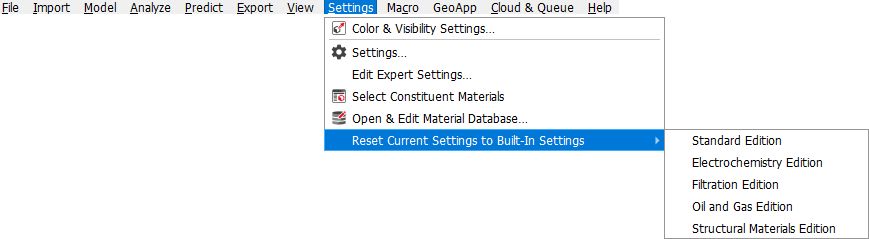
This is similar to the  button in the options tabs but affects the settings in all GeoDict commands. Furthermore, the built-in settings from another edition than the currently activated edition can be loaded. The current edition, with which the license is connected, can be found in the window title of the title bar.

