ProcessGeo
ProcessGeo offers several options to transform structures in GeoDict. ProcessGeo starts after selecting Model -> ProcessGeo in the Menu bar.
The module section, to the left of the Visualization area, changes to the ProcessGeo section.
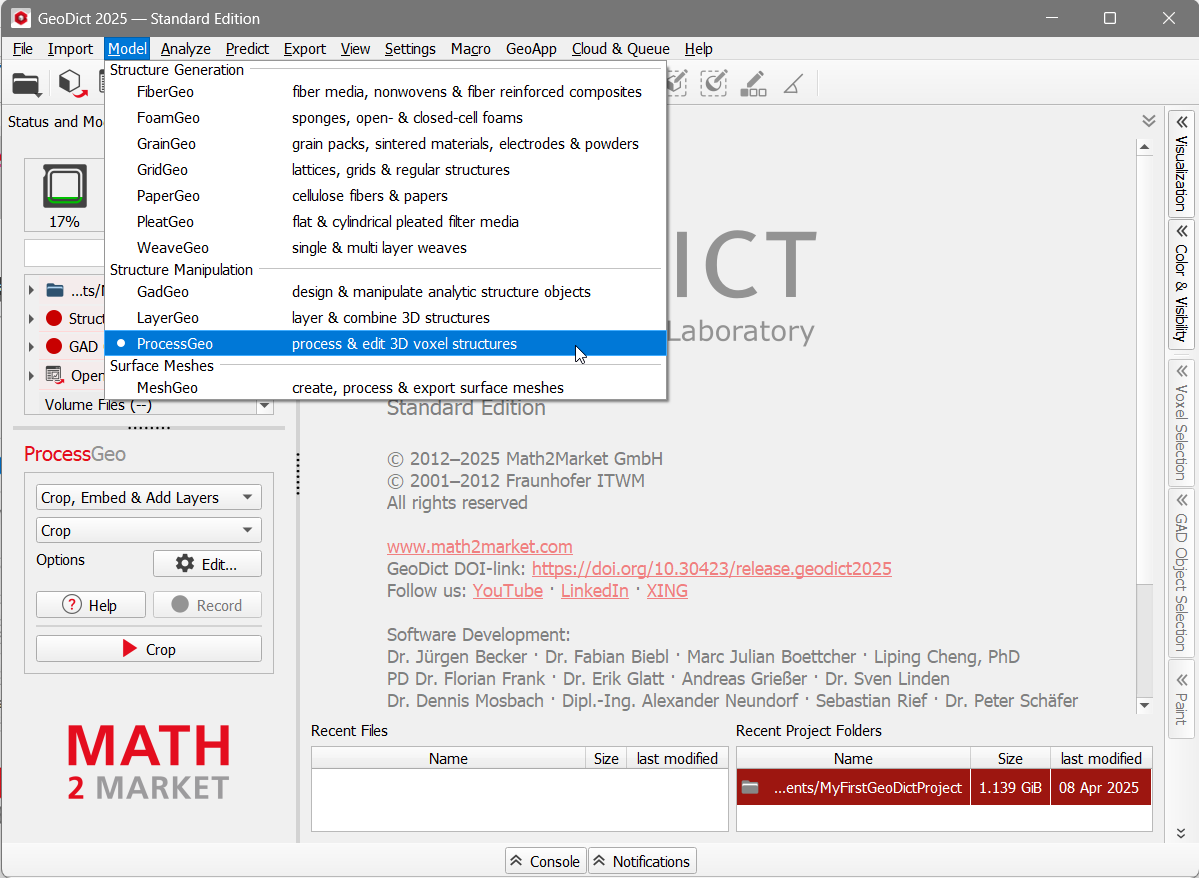
Different operations can be selected from the pull-down menu in ProcessGeo:
To carry out one of the available operations, select it from the pull-down menu, click the Options’ Edit… button and enter the necessary settings in the opening dialog. Close the dialog by clicking OK and click the button corresponding to the operation in the module section.
For the Invert command, no options are available. Simply click Invert in the ProcessGeo section.
The functions of each operation are as follows: |
|---|
|
|
Join the conversationVisit the Community on GeoDict Forum to be inspired and get answers to top questions. |

