GeoDict 2027 - User Guide
Learn more about using GeoDict for Digital Material Development
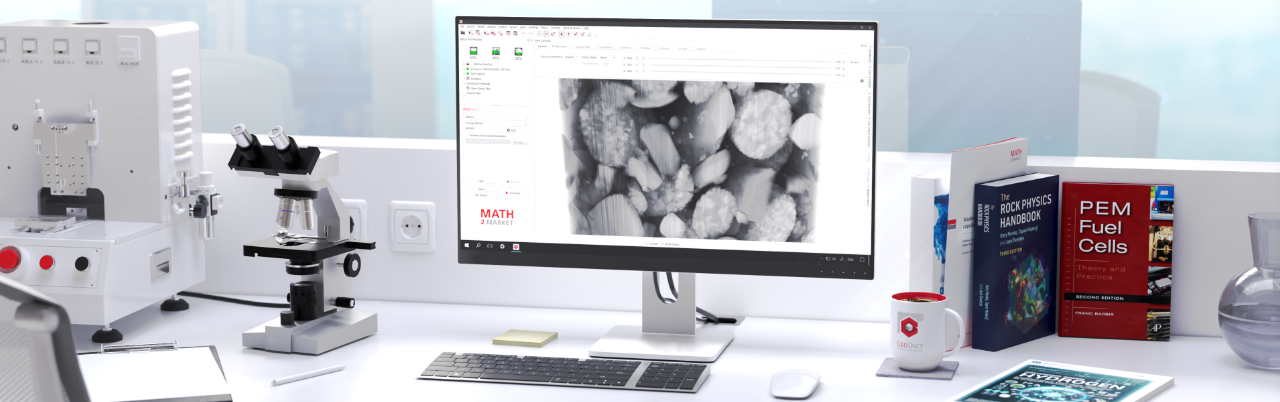
Use this guide to help you understand GeoDict features and learn how to do multi-scale 3D image processing, modeling of materials, visualization, material property characterization, simulation-based material development, and optimization of processes.
Popular topics on GeoDict
Getting started - new users
- A first overview of how a basic workflow in GeoDict might be performed is described in the First steps in GeoDict tutorial.
- Have a look in the introduction of this documentation to find your way to the topics you need.

|
Note! Cite the User Guide as follows:
GeoDict 2027 User Guide, Math2Market GmbH, Germany, doi.org/10.30423/userguide.geodict
|
 Use of trademarks
The trademarks, trade names, logos, and product designations used in this document, including but not limited to GeoDict, are registered trademarks or otherwise legally protected designations of Math2Market GmbH. Their use is subject to applicable trademark laws. Any use of these marks by third parties without the express prior written consent of Math2Market GmbH is prohibited.
This user guide may reference trademarks, trade names, or product names of third parties. Such references are made strictly for identification, descriptive, or instructional purposes. All referenced trademarks are the property of their respective owners. The use of any such names, logos, or other proprietary designations does not imply any affiliation with, endorsement by, or sponsorship from the respective rights holders, nor is such use intended to infringe upon any intellectual property rights. Users of this manual are advised to independently verify trademark usage requirements applicable in their respective jurisdictions.
|