Results
Running Design of Experiments produces a GeoDict result file (*.gdr) and a result folder with the same name. Both are saved in the chosen project folder (File → Choose Project Folder... in the menu bar).
 Result Folder
The result folder contains the samples.csv file. This is the file later used to Create Training Data, and allows to check, if the parameter combinations produced from the given parameter ranges are reasonable for the desired training data, before starting the time-consuming generation process.
The samples.csv file can also be opened in Excel or a text editor to review the content.
The first column in the samples.csv always contains the Type for the generated value combinations. The possible types are Train and Test. The number of rows then depends on the Number of Training Structures (Train) and the Number of Test Structures (Test) entered in the Design of Experiments Options dialog.
In the second column the values for gdSeed can be found starting with the Start Value for gdSeed.
If there are also other parameters in the Generation Script, a column with random values in the given ranges is produced for each of them.
|
Result Viewer
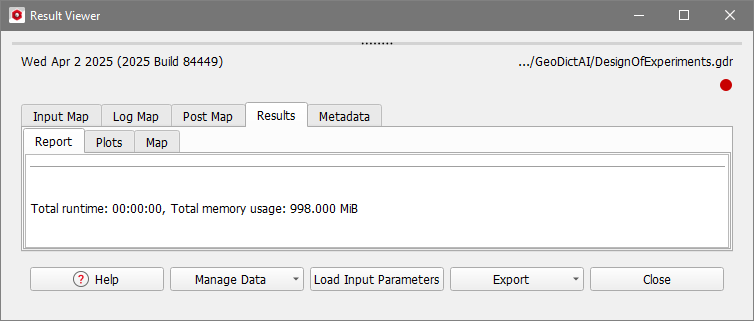
The GeoDict Result Viewer opens for the result file and only the performance of the experiment design is shown in the Results – Report subtab.
If the Generation Script contains other parameters besides gdSeed, the Results – Plot subtab provides plots for all these parameters. The plots show the Relative Count Probability for each value in the given ranges.
|