Domain
Material ID Mode allows choosing between:
- Material ID per Object-Type: each object type gets a material ID.
- Material ID per Material: each constituent material gets a material ID
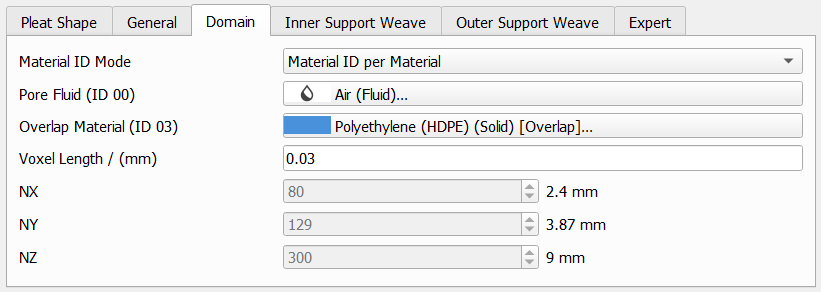
Here, Material ID per Material has been chosen to create a pleat with inner netting and outer netting. The materials for the inner and outer nettings are the same. We obtain a pleat with the following Material IDs:
|
|
With Material ID per Object-Type chosen, more material IDs are present. The pleat consists of the following Material IDs:
|
The internal representation of a structure in GeoDict consists of rectangular 3D arrays of equally sized boxes, called volume elements or Voxels. The Voxel Length is the size of the voxels in the chosen units.

Low values for the Voxel Length result in a higher resolution but lead also to longer computational times.
The values for NX, NY and NZ indicate the number (N) of voxels in X, Y and Z-direction. Although it is possible to see the structure size values, they cannot be directly changed in the Domain panel.
When entering a Voxel Length, the number of voxels corresponding to the pleat size in the three spatial dimensions (NX, NY and NZ) is calculated automatically, and displayed in the Domain panel. As a guideline, the smallest wire diameter and the media thickness should be resolved by at least 5 voxels.
