Running from Command Line
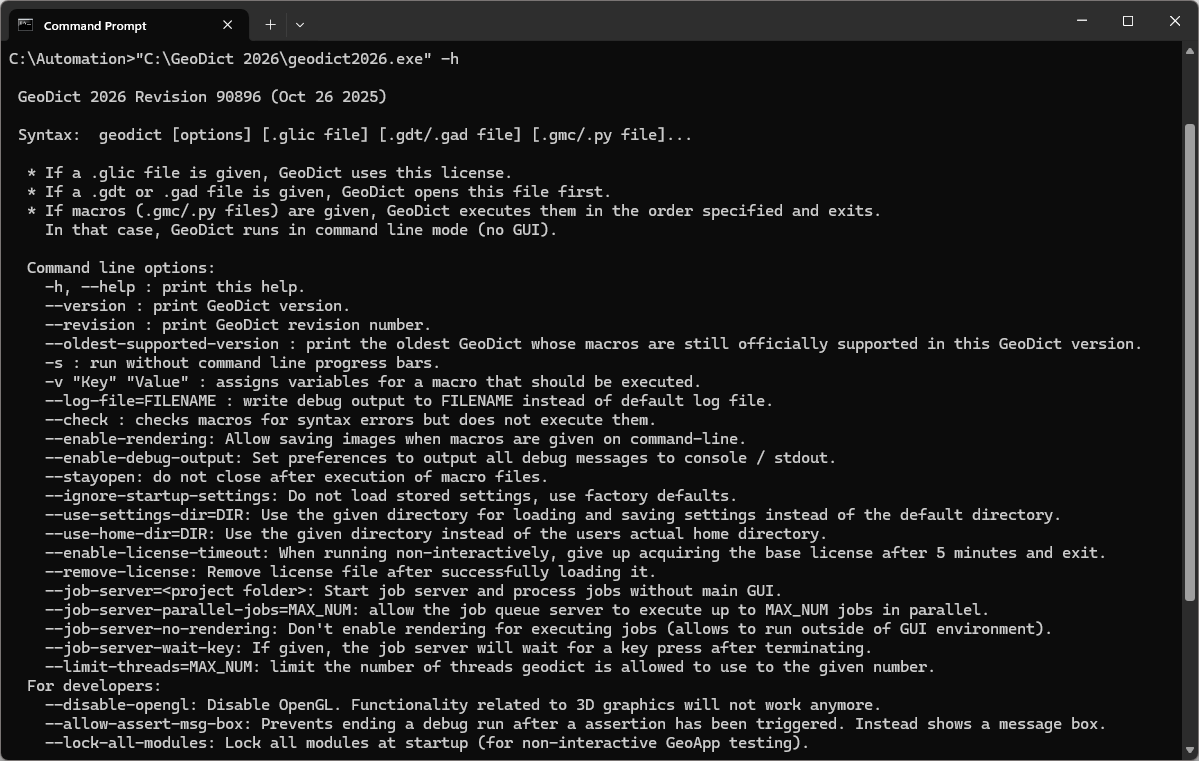
Being comfortable with the command prompt, it is a fast possibility to run GeoDict from the command line without the GUI. Although it is possible to open GeoDict from the command line (>>Installationpath\GeoDict 2026\geodict2026.exe), it is not necessary for running macros. The following command prints a helpful list of commands:
>>"Installation-path\geodict2026.exe" -h
Macros can be executed using the command
>>"Installation-path\GeoDict 2026\geodict2026.exe" macro-file
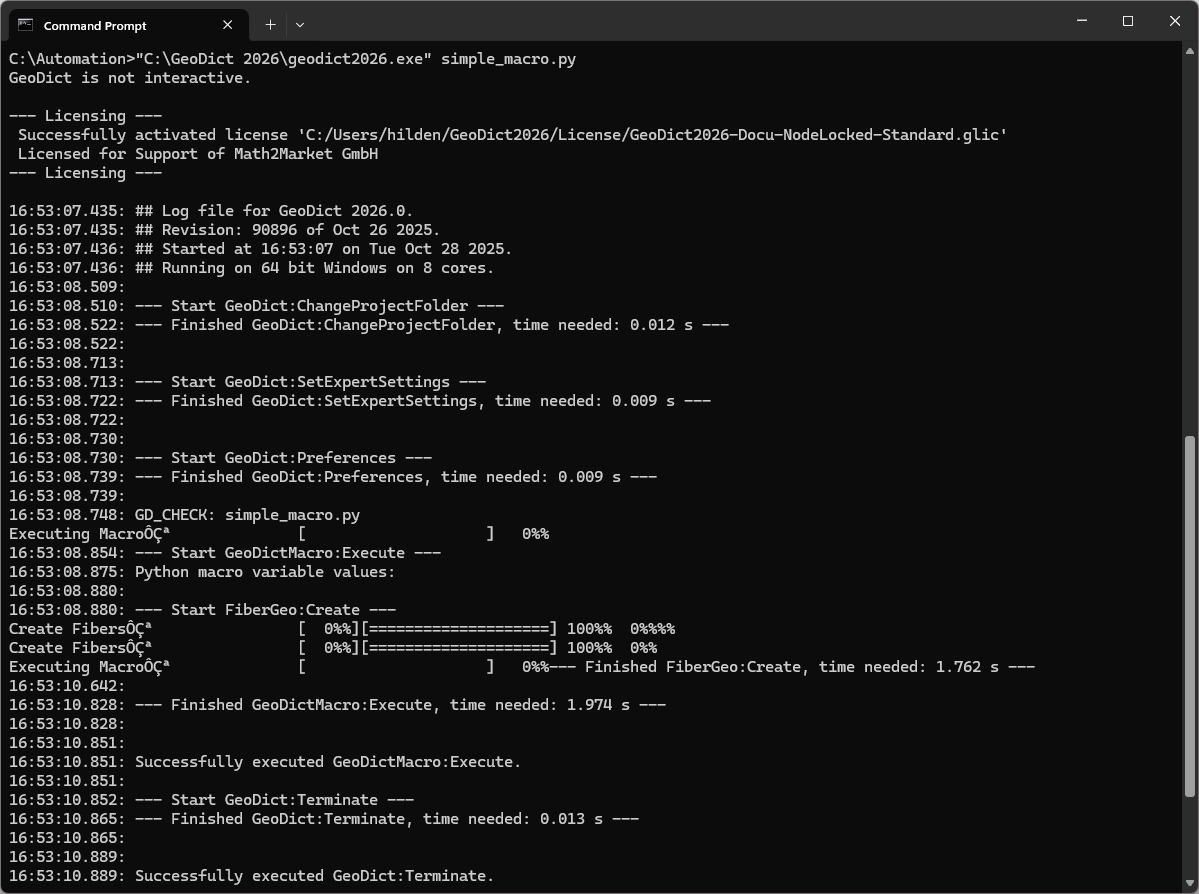
The result files are stored in the working directory chosen for the command prompt (here C:\Automation), if no other desired file path is given within the macro. If the working directory differs from the macro folder, the file path of the macro also must be given for its execution.
To assign variables from the variables block of a parameter macro use -v "Key" "Value" for each variable.

If images should be saved executing a macro, the command --enable-rendering is needed. This command opens a hidden GUI until the execution of the macro is terminated. Be aware that you cannot use the --enable-rendering option if your command prompt does not support graphical applications, e.g., when you have simply opened a remote SSH connection with PuTTY.

