Setting up the Internal Material Laws
To set up a material law in GeoDict, first open the material data base via Settings – Open & Edit Material Database … in the menu bar:

Then, either create a new material by entering a material name and clicking the Add button (as shown below), or open one of the materials in the database and add a material law to it.

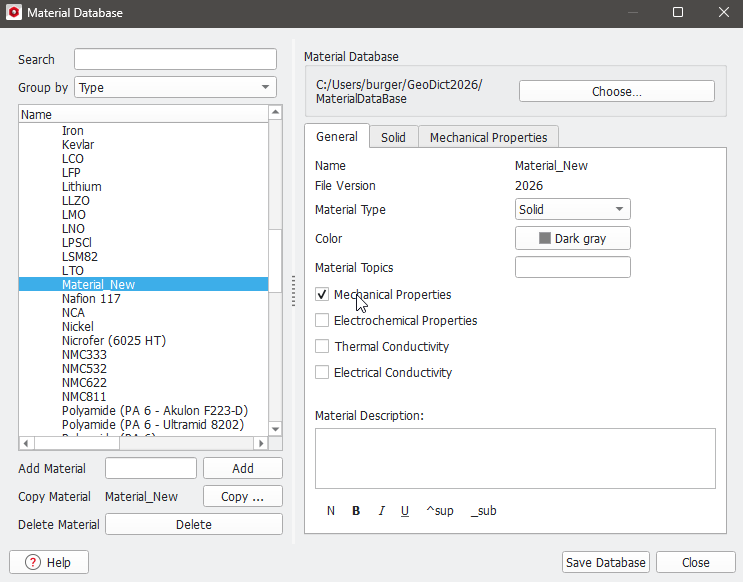
When creating a new material, make sure that the Mechanical Properties are activated under the General tab:
Switch to the Mechanical Properties tab. Here, existing material laws can be edited, or new material laws can be added. In the figure below, it is shown how to add a new material law: Enter the material law name in the field Add Material Law and click the Add button.

Then, the material parameters can be defined after selecting the material law. In the figure below, it is shown how to set up a material with Bilinear Hardening.
Other material laws can be defined by selecting the corresponding fields in the interface. After all material parameters are defined, make sure to save the database with the Save Database button in the lower right corner.

