Results
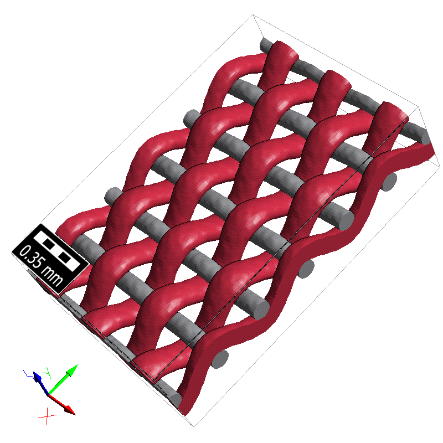
In this example, a weave structure with two materials is exported to Fluent to run flow computations.
Under the Constituent Materials tab, click Set all Fluids to… and select Air. Then, the density and viscosity for air from the GeoDict material database are used.
In the Solver tab, keep the default values, as well as under the Grid tab (Voxels with side length…). With this option, the voxel structure from GeoDict is used as it is.
Click OK to close the dialog and return to the ExportGeo-Fluent section. Click Export to export the structure and simulation settings for Fluent.
The result file (*.gdr) is automatically opened in the Result Viewer and contains all information about the current export. The corresponding result folder contains the mesh and journal files for Fluent.
To run the flow computation, start Fluent and open the journal file by selecting File → Read → Journal…. After the simulation, the computation results can be visualized in Fluent. In the figure below, contour plots of the pressure and mean velocity in the structure are shown.
