Results
First the Training Structures are generated, followed by the Test Structures. They are placed in the subfolders Train and Test inside the selected Output Directory.
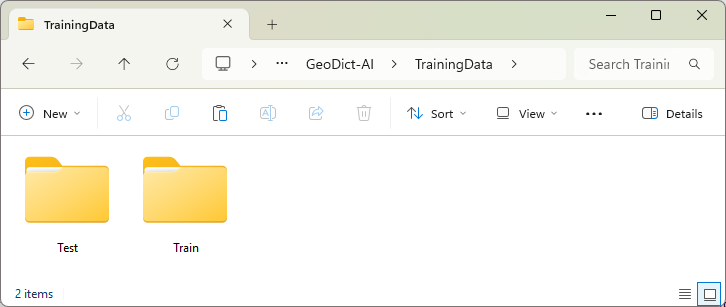
For the training only the folder Train will be used. The folder Test can be used to validate the performance of the network.
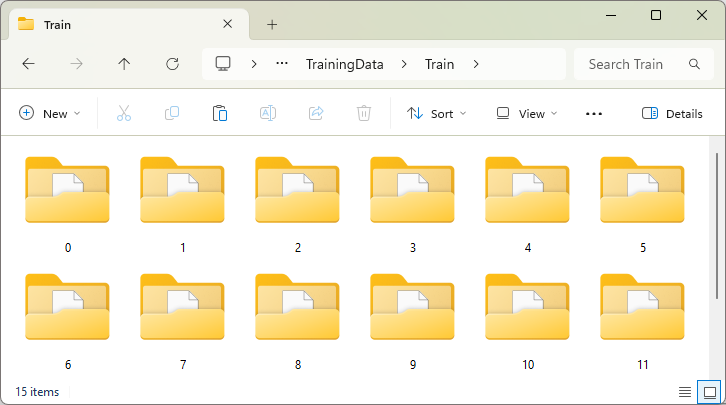
Each of the subfolders (e.g., 'Train/0/') contains the results produced by the Generation Script and a pair of GDT files called input.gdt and output.gdt.
If Material Phases is selected for Object Type / Postprocessing, the input and output files must be generated by the Generation Script. In the input.gdt then, the Target Material cannot be distinguished, while in the output.gdt, the Target Materials have their own material IDs.
The two files are generated automatically if Fibers (Centerlines) is selected instead. Then, the input.gdt contains only the fibers, which are then assigned to material ID 01, while in the output.gdt the centerlines in the fibers are assigned to material ID 02.
Later in training, in both cases, the neural network learns how to produce an output from an input file by assigning those voxels with the corresponding material ID.
The macro parameters for the training structure can be viewed by loading the parameters.json file into a text editor.
To verify that the input and output files are as intended, load them to GeoDict by selecting File → Open Structure (*.gdt, *.gad) … from the menu bar.
Below find an example for differentiating between two material phases:
Below find an example for identifying individual fibers. In the output file on the right Material ID 01 is not visualized in the right part of the structure to highlight the center lines (ID 02).
Alternatively, if input and output files are not generated with a generation script, create the folder structure manually and place the input.gdt and output.gdt in subfolders folders inside the Train and Test folders.
