Manage Licenses
Manage floating licenses
The option Manage Floating License… is only available if you have installed a floating license, otherwise it is grayed-out. Here, you can choose which of the licensed modules you would like to use in this session. Deselected modules will be shown as unlicensed in the GeoDict menu, and their license will then be free for other users to use. Find more information in the Installation & Licensing chapter.
Choose license file
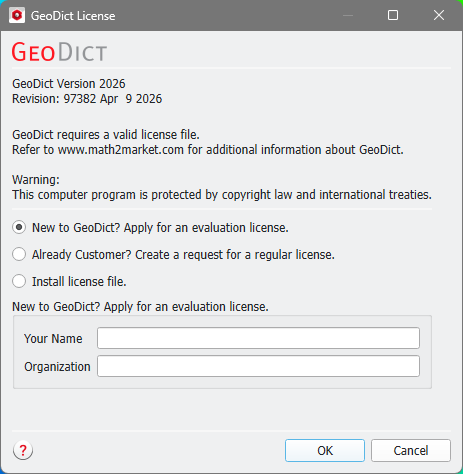
Select Choose License File… to select a license file, e.g., to change the license from trial to a purchased or leased license, to upgrade the license for another term, or to request a new license file. Find more explanations in the Installation & Licensing chapter.