Help
In the Help menu, you can access the GeoDict User Guide and information about the current GeoDict version.
The first three entries in the Help menu link directly to the User Guide, the Tutorials, and the GeoDict Learning Center on the GeoDict web page.
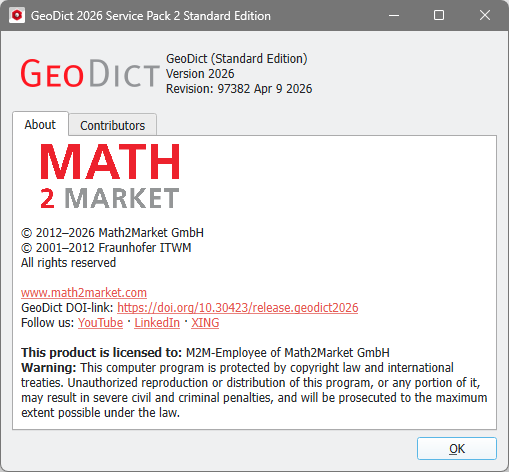
Clicking About GeoDict opens a window giving information on the GeoDict version, revision number, and licensing.
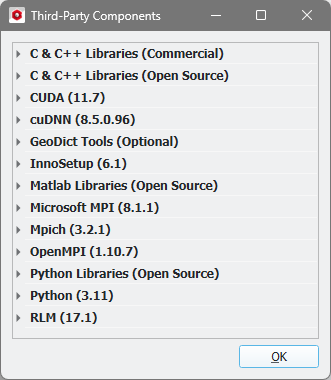
We also acknowledge the third-party components used in GeoDict.
You can also Download Current GeoDict & GeoDict Tools, e.g., the latest service pack, from our website.
