Select Constituent Materials
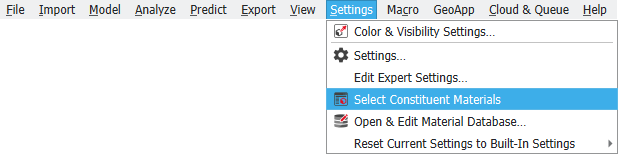
The materials assigned to the Material IDs in a structure model are called Constituent Materials. Materials are defined in the Material Database, where the name and different physical properties of the materials are saved.
With a structure model in memory, showing in the Visualization area, select Settings → Select Constituent Materials to change the raw material of a Material ID or assign a material to a Material ID with undefined material in a structure model. For example, in the foam structure shown below, the Material ID 01, initially defined as Aluminum, is changed to be made of Steel as follows:
After the new material is selected, close the Material Selector dialog by clicking OK and click Run in the Select Constituent Materials dialog.
Observe in the Material legend how the constituent material of Material ID 01 has changed from Aluminum to Steel.
For more information on GeoDict materials refer to the Material Database chapter.
