Electrostatic Fibers
If electrostatic effects are included in the simulation, it is possible to select the Material Charge as Individual per material type. This is equivalent to a constant surface charge density if all fibers are of the same material ID. To define non-constant charge distributions on a single fiber is only possible if the fiber consists of multiple material IDs.
The Electrostatic Fibers app modifies the current fiber structure and allows to assign different material IDs to different parts of each fiber. To use the app, create a fiber structure first.
Select as Distribution Mode: Random, Layered, or Stripes.
Random uses a Gaussian random field to distribute the material IDs. 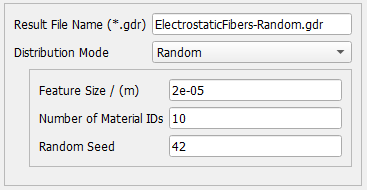 |
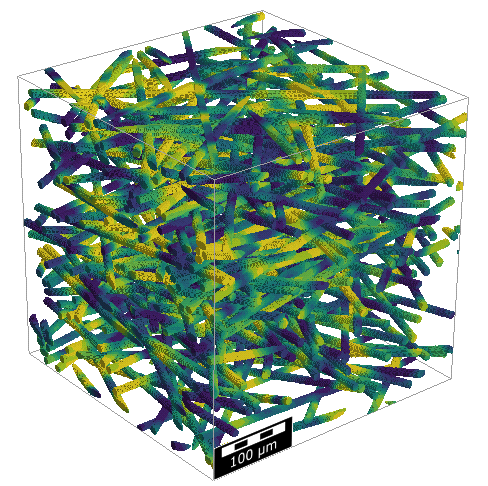 |
Layered distributes the material IDs from top to bottom of the structure. 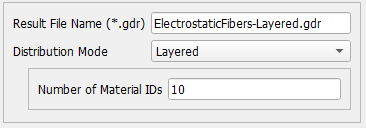 |
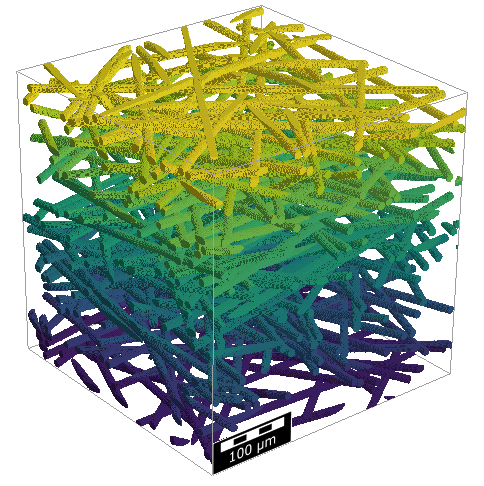 |
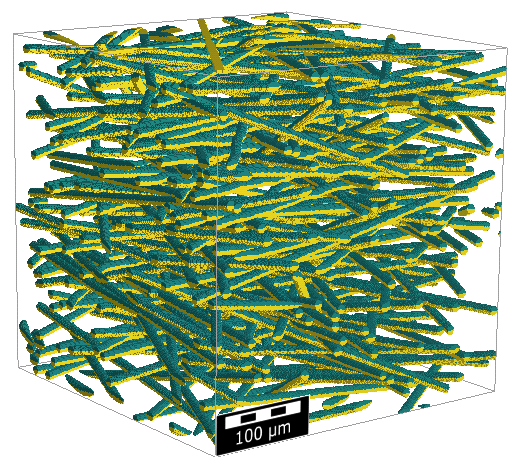
Stripes creates bicomponent fibers. This option requires, that the analytic description of the structure (GAD data) is loaded. 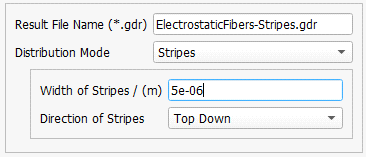 |
 |
|
Important! Be aware that the app changes the material IDs of all solid materials. |

The app only assigns material ID numbers to the 3D structure, it does not assign a material to those number. That means if you select 20 as Number of Material IDs in this app, you have to assign a material and all the corresponding material parameters to those 20 materials in the Constituent Materials tab later. You also need to copy the collision and adhesion models to each ID in the Particles tab.
This app offers a temporary solution to use different charge distribution models in FilterDict. In future GeoDict versions, it will be possible to use different charge distributions without the need to assign different material IDs to a fiber.
