Enhance Grayscale Image
After producing training data and training a neural network, the network can be applied to all images with statistical parameters fitting to the corresponding training data.
Use GeoDict-AI Enhance Grayscale Image, to apply neural networks trained to enhance 3D-scans.
To start, load the image to analyze by selecting File → Load Volume File … and browsing for the *.grw image to improve. Then, select Enhance Grayscale Image from the pull-down menu in the GeoDict-AI section. If the image is loaded with ImportGeo-Vol, use Enhance Image (AI) in the Image Processing dialog instead, as described in the ImportGeo-Vol handbook. The image filter has the same functionality and the same parameters.
Click the Options’ Edit... button.
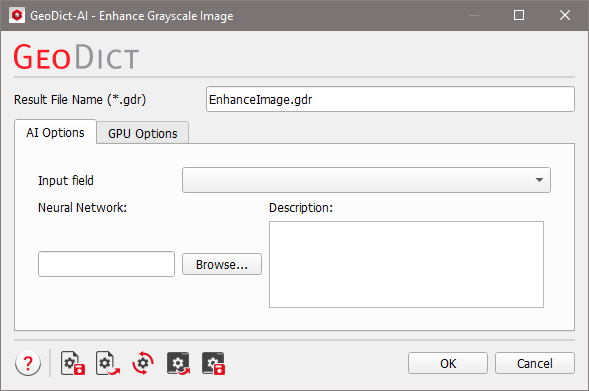
The Enhance Image (AI) dialog is organized in two tabs: AI Options and GPU Options.
Topics of this section |
|---|
|
