AI Options
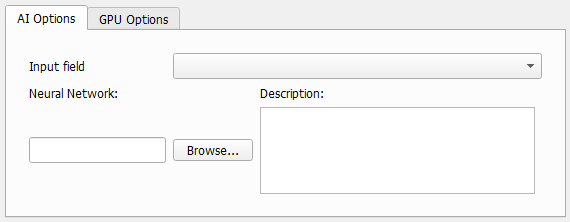
Define which loaded grayscale image should be enhanced using which neural network.
 Input Field
Select one of the currently loaded grayscale images as Input field to enhance from the pull-down menu.
Several grayscale images can be loaded at the same time by checking Keep existing Volume Fields in the Loading volume file dialog, when loading the image with File - Load Volume File. Using ImportGeo-Vol also different volume fields can be loaded.
|
Neural Network and Description
Browse for the neural network trained with Train Neural Network and most suitable for the image under consideration. For this, under Neural Network click Browse.
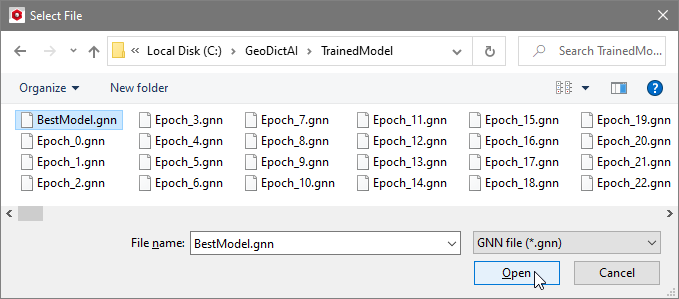
Select a neural network *.gnn file, for example the BestModel.gnn from a prior training.
In the Description, the current constraints for the application of the neural network are listed, as entered in the Train Neural Network dialog, e.g. the diameter range of the fibers the neural network was trained for.
|