Data Visualization
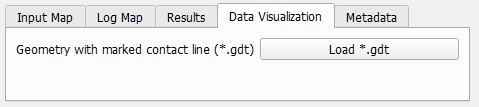
Click Load *.gdt to load the Geometry with marked contact line in the visualization area.
The voxels belonging to the contact line are assigned to additional material IDs depending on the initial Material IDs in the structure. In the example shown below, the dark blue voxels in the structure with marked contact line (shown on the right) belong to Material ID 00 in the original structure (shown on the left). Analogously, the magenta colored voxel belong to Material ID 01 in the original structure and the light blue voxels to Material ID 02.
|
Know how! While the Material ID is changed for the voxels of the contact line, the Material stays the same. |

