Object Mesh
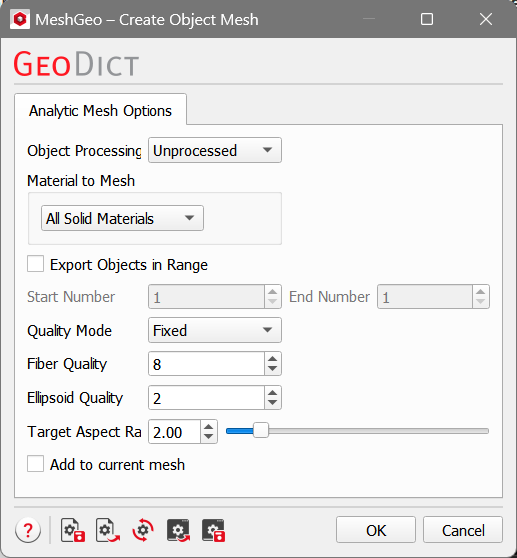
To export the objects in the structure into a mesh, select Create Object Mesh or Export Object Mesh for MeshGeo, or Export Object Mesh for ExportGeo-CAD from the pull-down menu. Objects in GeoDict can overlap. With Object Mesh, each object is meshed separately, therefore the meshes for the different objects can overlap, too. If it is important that these meshes do not overlap, use the Multi Material mode instead.
Analytic Mesh does not work for combined objects or intersected objects. Check out the GadGeo handbook for more information about these object types.
 Object Processing
If Object Processing is set to Unprocessed, the complete objects are meshed, even if they lie not completely in the domain. With Cut to Domain, only the part of the object which is inside the domain is meshed.
|
Material to Mesh
The choices for Material to Mesh are explained in Voxel Mesh Options for Voxel Mesh. For Analytic Mesh, not all material IDs in the structure can be used to create a mesh. For example, the pore space is not an object in GeoDict and therefore no analytic mesh can be created from it. Furthermore, the overlap between objects is not an analytic object itself and can therefore not be meshed. To create a mesh of e.g. the pore space or the overlap regions, use the Voxel Mesh option instead.
|
Export Objects in Range
Each object in a structure has an object ID. If only some of these objects should be meshed, a range of objects can be selected with Export Object in Range. Alternatively, the structure can be edited so that it only contains the desired objects (for example, with GadGeo-Edit GAD Objects).
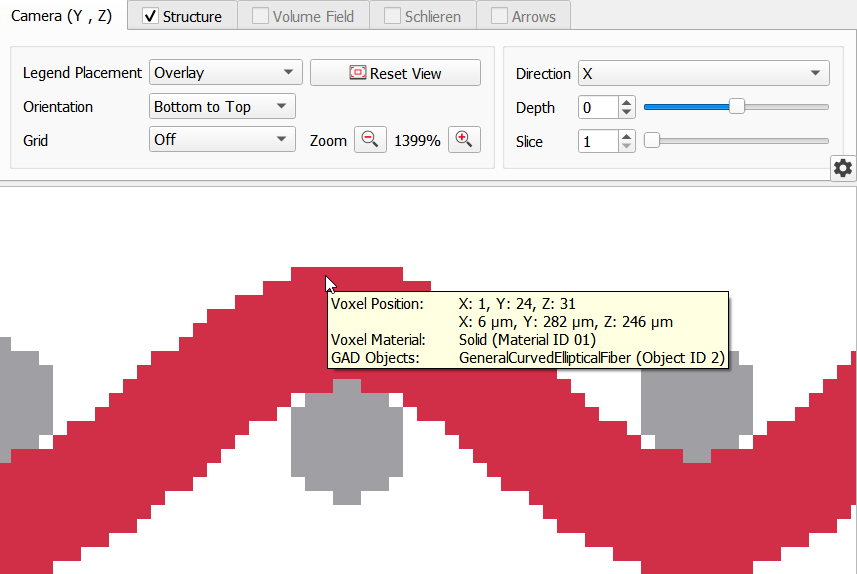
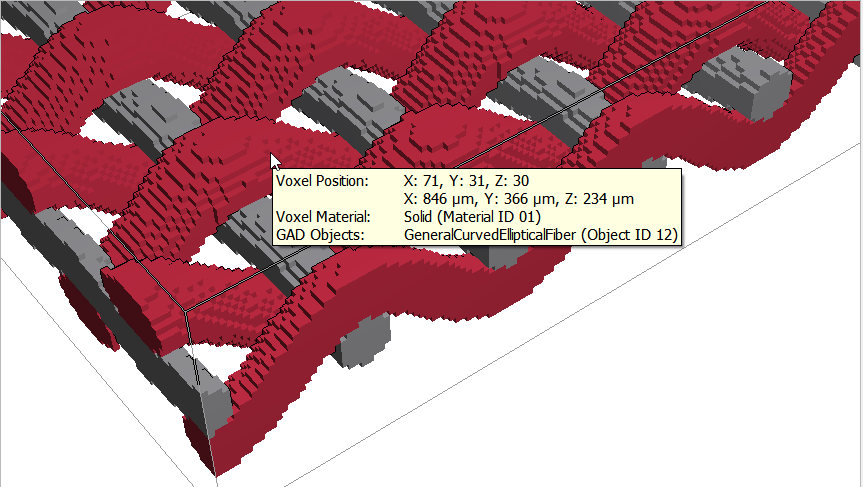
To find the object number of a given object, hover the mouse over the object in 2D or 3D view and check out the ToolTip.
|
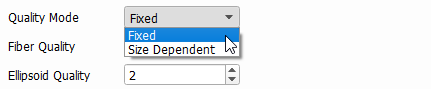
Quality Mode
Objects in GeoDict can be meshed in different resolutions. The Quality Mode defines if this resolution is fixed or if it depends on the object size.
With Quality Mode set to Fixed, the Fiber Quality and Ellipsoid Quality are defined globally for the structure. When choosing Size Dependent, minimal and maximal values must be defined. This option is recommended if the size of the objects in the structure varies by a large amount.
The quality can only be selected for fibers and ellipsoids (including spheres). For the other object types available in GeoDict, meshing is either trivial so that only one reasonable mesh exists (Box, Triangle, Planar Polyhedron, Convex Polyhedron type objects) or not possible in GeoDict (Combined Object and Intersected Object, where no analytical mesh definition exists).
|
Fiber Quality
Fiber Quality controls the resolution for fibers. The entered value determines the number of nodes in which the profile shape is resolved.
- For fibers with circular and ellipsoidal cross-section, the Fiber Quality corresponds to the number of nodes with which the cross-section of the fiber is discretized. This does also hold for fibers of hollow and cellulose types.
- For rectangular and angular fibers, the Fiber Quality has no effect on the discretization of the cross-section. This is because these fiber types are already perfectly resolved with one node per side.
- For Rosetta fibers, the Fiber Quality corresponds to the number of nodes per leaf.
|
Ellipsoid Quality
The Ellipsoid Quality determines the resolution of the mesh for spheres and ellipsoids. In contrast to the Fiber Quality, the Ellipsoid Quality is an exponential measure for the resolution. For the value 0, the shape of the sphere or ellipsoid is meshed as an octagon. With each increase of the parameter, each of the triangles is refined into four new triangles. Therefore, a meshed sphere with Ellipsoid Quality = 0 contains 8 triangles and for Ellipsoid Quality = 1, it contains 32 = 8 x 4 triangles. For Ellipsoid Quality = 2, it contains already 256 = 8 x 42 and so on.
|
Target Aspect Ratio
The Target Aspect Ratio specifies the desired aspect ratio of the triangles in the surface triangulation. Lower values will create more triangles of higher quality.
|
Add to current mesh