Data Visualization
Depending on the choices in the settings dialog the distribution of the open and closed pores can also be visualized through the Data Visualization tab.
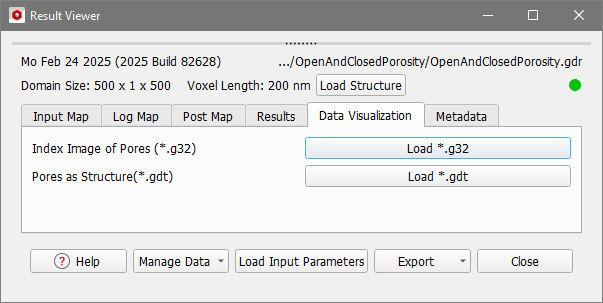
Index Image of Pores
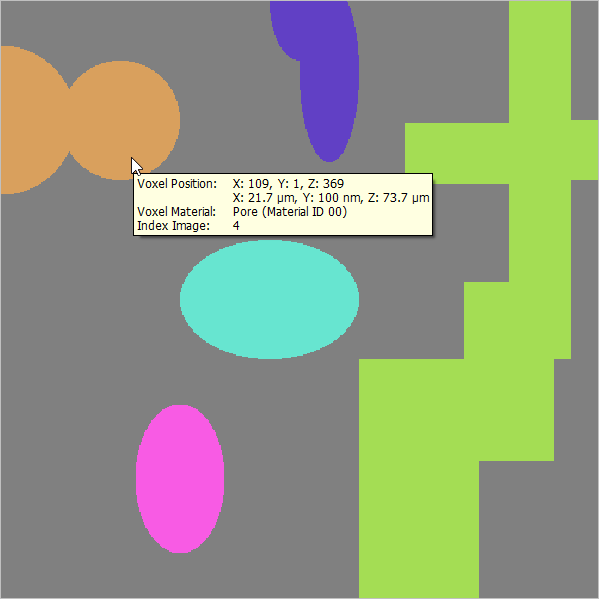
If Write Voxel Geometry with Pore Indices (*.g32) was checked, you can click the Load *.g32 button to load an index image of the pores, where each pore has an individual index number.
Pores as Structure
The Load *.gdt button is active if you chose Write Open and Closed Pores as *.gdt-File in the options dialog.
In this file, the open pores are assigned to the initial pore Material ID. The next free Material ID is assigned to the closed pores.
If Mark Dead-End Pores in *.gdt-File was checked, the first Pore Material ID represents the Through Pores and the Dead-end Pores are assigned the next free Material ID after the closed pores, here ID 03 in yellow.
