Export Stiffness Simulation (Voxel)
Click the Options Edit… button to define the settings for the export to Abaqus.
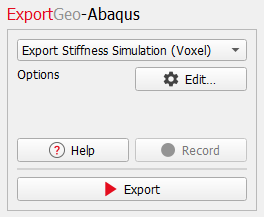
After entering all parameters, click Export to export the simulation for Abaqus.
In the ExportGeo-Abaqus – Export Stiffness Simulation (Voxel) dialog, choose a Result File Name (*.gdr) according to your current project. The result file contains all the information about the current export. The corresponding result folder contains the input files for Abaqus and the chosen structure. The options for ExportGeo-Abaqus are organized under the Constituent Materials and Solver tabs.
Constituent Materials
The mechanical properties of all materials in the structure are defined in the corresponding fields under the Constituent Materials tab. Since the goal is the computation of the effective elastic properties of the structure, only linear elastic materials are supported here. Materials can either be chosen from the GeoDict Material Database, or manual materials can be directly defined in the dialog.
The GeoDict Material Database can be edited after clicking on Open & Edit Material Database. To select a material from the database, click on the button of the material to open the Material Selector and choose the desired material. The mechanical properties of the material are taken from the Material Database and shown in the Mechanical Prop. tab.
To define a Manual material, choose Solid → Manual in the Material Selector. In the next step, enter the Young’s modulus and the Poisson ratio under the Mechanical Prop. tab.
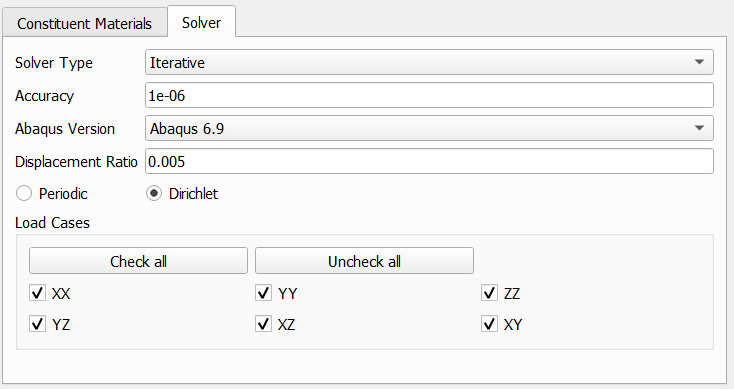
Solver
The settings for the Abaqus simulation are defined under the Solver tab.