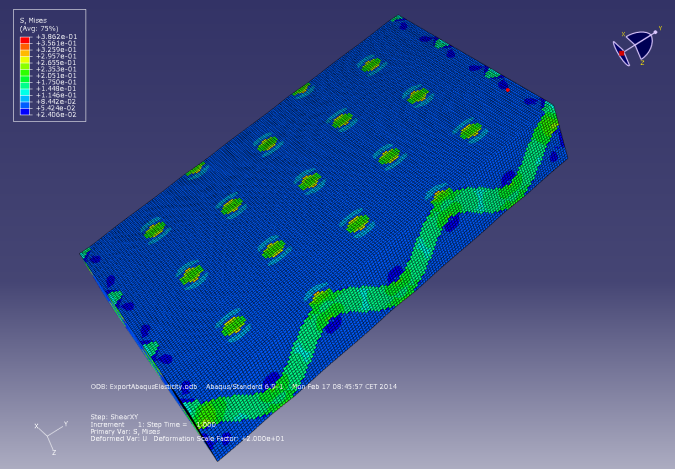
Results
As an example we show how a weave structure with two materials is exported to Abaqus to run elasticity computations.
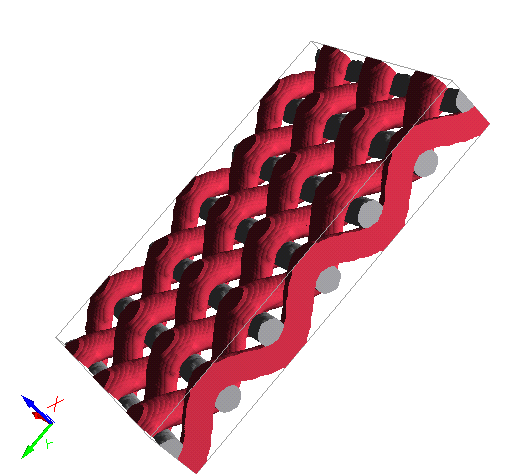
Under the Constituent Materials tab, set the constituent materials for Material ID00, Material ID01, and Material ID02 to Solid → Manual through the Material Selector.
Then, enter the shown values of Young’s modulus (E) and Poisson ratio () for the materials with the IDs 00, 01, and 02.
Under the Solver tab, use the default values for the Iterative solver. Click OK to close the ExportGeo-Abaqus – Export Stiffness Simulation (Voxel) dialog and click Export to export the stiffness experiment for Abaqus.
Besides the structure file, two more files are generated in the result folder: the Abaqus input file Abaqus.inp and the mesh file Abaqus.msh. Both can be opened and edited using a text editor.
To run the elasticity computation in Abaqus, run the input file (Abaqus.inp) in Abaqus.