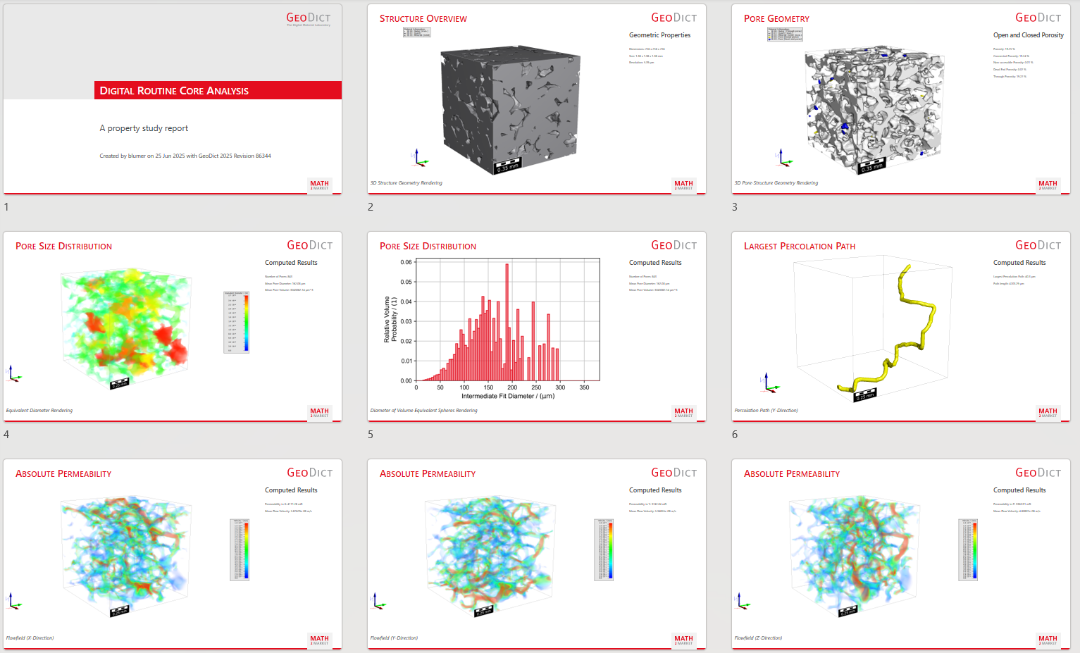
Digital Routine Core Analysis
The Digital Routine Core Analysis app runs an entire digital routine core analysis workflow with the chosen properties. Additionally, a PowerPoint presentation is saved which contains images and data from the structure and the selected properties.
|
Modules needed to run this GeoApp (depending on the selected options): PoroDict, FlowDict |

Click Edit to open the Digital Routine Core Analysis parameters dialog.
Define the Result File Name for the result file and the result folder where all results will be stored.
Decide if the app should:
- compute the Porosity with PoroDict - Open and Closed Porosity
- determine the Porosimetry with PoroDict - Pore Size Distribution (Porosimetry)
- identify individual Pores with PoroDict - Identify Pores
- estimate the Surface Area with MatDict - Estimate Surface Area
- compute the Material Statistics with MatDict - Material Statistics
- determine the Largest Percolation Path in the chosen direction (X-, Y-, Z-, or All-directions) with with PoroDict - Percolation Path
- compute the Absolute Permeability with FlowDict - Solve Stokes in the chosen direction (X-, Y-, Z-, or All-directions).
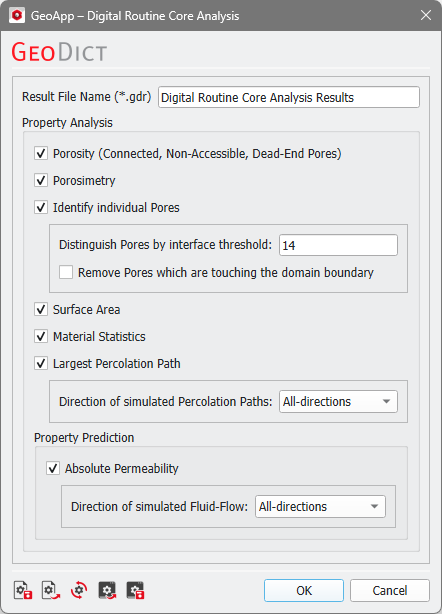
After selecting the desired options, click Run to start the digital routine core analysis.
Results
When the simulation finishes, the Result Viewer of the result file (*.gdr) opens automatically.
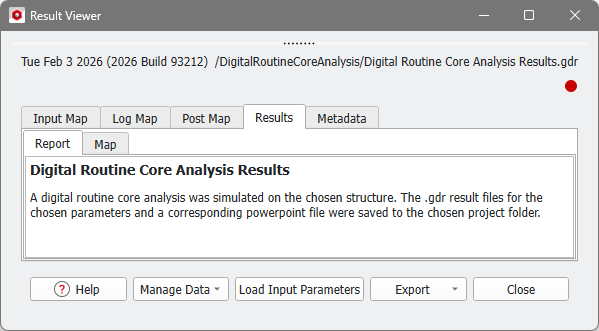
The result files of the chosen property computations are saved in the corresponding folder. Up to nine different result files are available:
- OpenAndClosedPorosity.gdr
- Porosimetry.gdr
- IdentifyPores.gdr
- SurfaceArea.gdr
- 1DStatistics.gdr
- PercolationPath_x.gdr
- PercolationPath_y.gdr
- PercolationPath_z.gdr
- StokesResult_xyz
Additionally, a PowerPoint report can be found in the result folder.
Depending on the selected options, the PowerPoint report shows a structure overview, the pore geometry, the pore size distribution, the largest percolation path and the absolute permeability in the selected directions.