ElectrodeGeo
The ElectrodeGeo app generates an anode according to the given materials and solid volume percentages.
|
Modules needed to run this GeoApp: GrainGeo |

Parameters
Clicking Edit opens the ElectrodeGeo Parameters dialog.
Enter a Result File Name for the resulting GeoDict result file (*.gdr) and the result folder containing the generated electrode structure.
Two active materials can be set. If only one active material is needed, set the Active Material 2 to None.
For the anode active materials select between Graphite, Si, and LTO. For the cathode active materials choose from the materials LCO, LMO, NCA, and NMC.
Define the volume dimensions as Number of Voxels in the three directions.
Determine the solid volume percentages (SVP) for the active materials and the binder.
The voxel length can either be given manually or it can be set to automatically fitting the other parameters. For this, choose the corresponding Voxel-Length Mode. Two active materials can be set. If only one active material is needed, set the Active Material 2 to None.
Results
Clicking Run creates the electrode.
Below find the default electrodes generated with the default settings, except for a larger domain size (250x250x250 voxel).
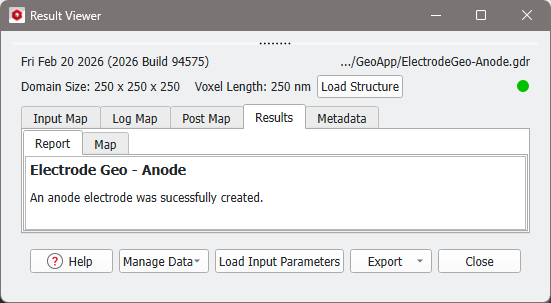
When the structure generation is finished, the result file is shown in the Result Viewer and the structure is saved to the result folder.