Generation Script
GeoDict-AI is the starting point to analyze physical properties on the segmented 3D scans, taking into account the different materials. It can be used for nearly every structure that can be generated with the GeoDict structure generator modules, e.g., grain structures with binder in GrainGeo or fiber structures in FiberGeo. To train a neural network, create structure models in GeoDict that have the same statistical properties as the scans to analyze.
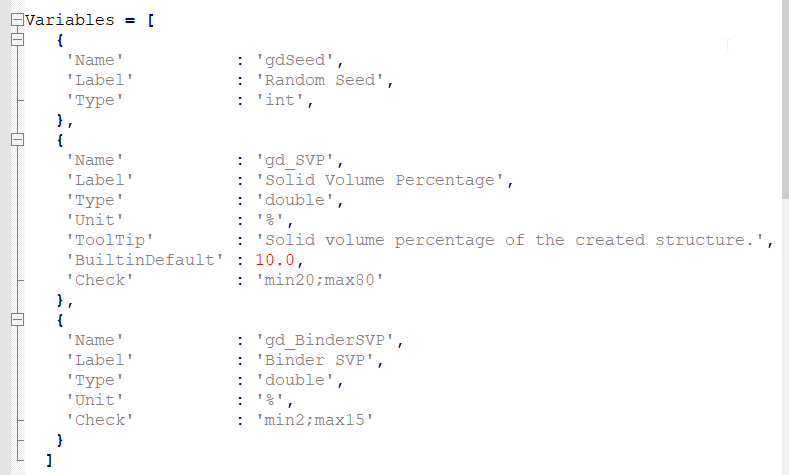
For this, write a Generation Script and further use it as a mandatory input in the GeoDict-AI section. The Generation Script should create a series of structures. This can easily be done in GeoDict because every action is a command that can be saved in a GeoPy macro (*.py). To record a macro, select Macro - Start Macro Recording from the menu bar. Then, execute the necessary GeoDict commands (e.g., generate a fiber structure and add binder). Finally, select Macro - End Macro Recording. The GeoPy Scripting topic page describes how to record and edit macros in GeoDict in detail. Additionally, an example generation script can be found in the installation folder.
To ensure you have representative training data, refer to our checklist.