Options
To start, load the image to analyze by selecting File → Load Volume File … and browsing for the *.grw image to improve. Then, select Segment Grayscale Image from the pull-down menu in the GeoDict-AI section.
Click the Options’ Edit... button.
The Segment Grayscale Image dialog is organized in two tabs: AI Options and GPU Options.
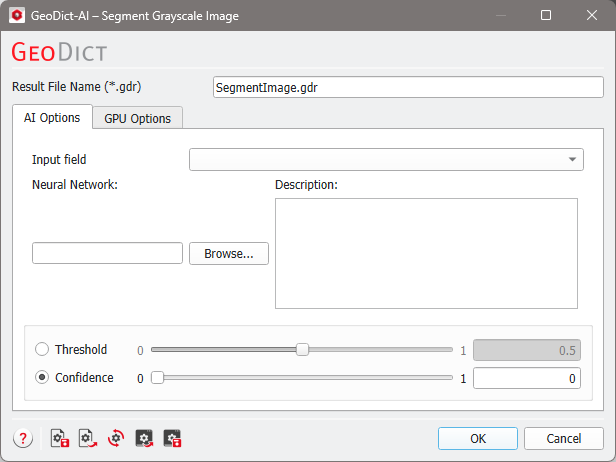
Tabs of Segement Grayscale Image: |
|---|
|
