Options
In the GeoDict-AI section select Validate Performance from the pull-down menu. The GeoDict-AI Train Neural Network Options dialog opens when clicking the Options’ Edit… button in the GeoDict-AI section.
At the top of the GeoDict-AI Validate dialog, the name for the files containing the training results can be entered in the Result File Name (*.gdr) box. The default name can be kept, or a new name can be chosen fitting the current project.
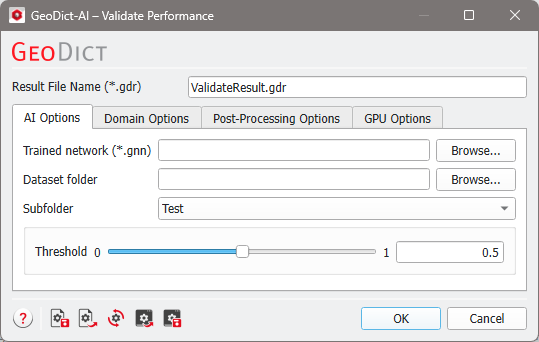
Tabs of Validate Performance: |
|---|
|
