GeoLab Documentation
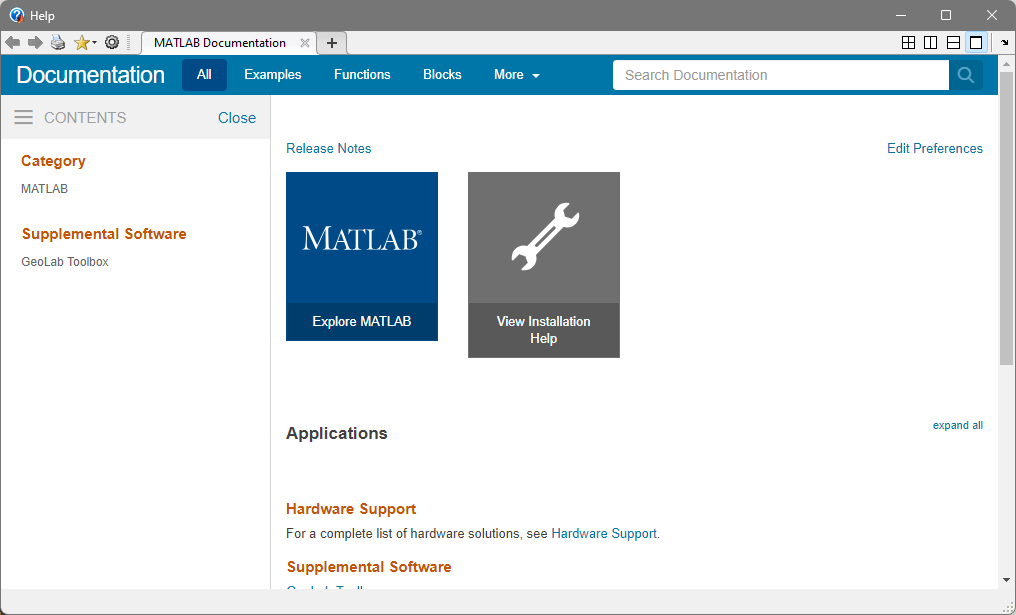
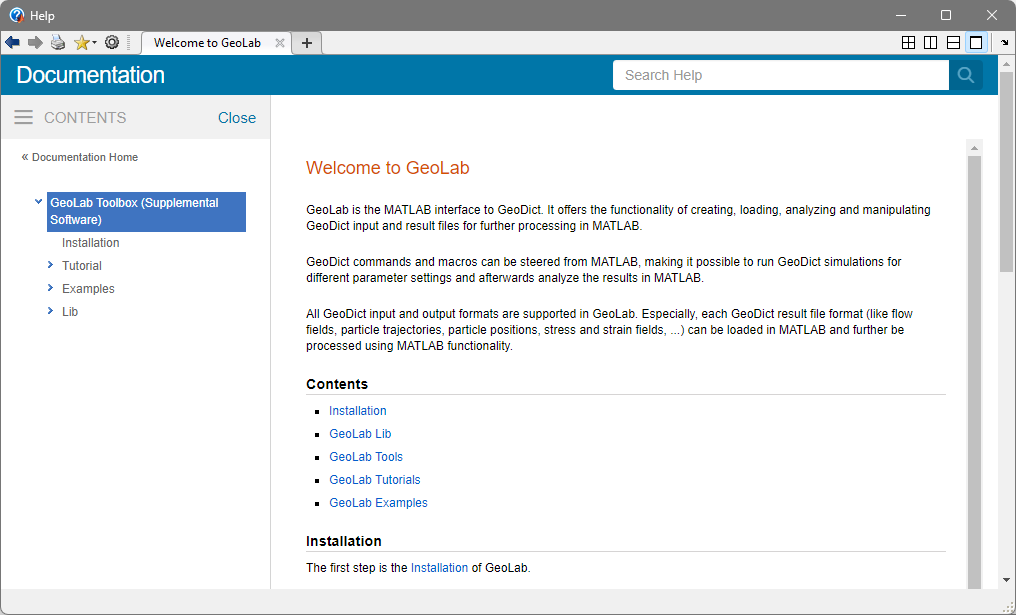
After installation is complete, you can access the GeoLab documentation in addition to this GeoLab User Guide by clicking Help in the MATLAB toolbar.
In the opened Help window, click GeoLab Toolbox.
The GeoLab documentation in MATLAB contains a detailed description of the functionality available for each GeoDict input and output format, as well as a documentation of the available examples and tutorials.
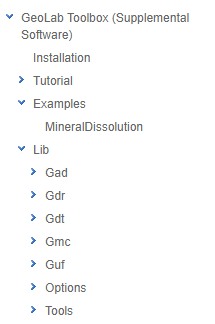
 Installation
Installation explains how to access GeoLab functionality in MATLAB, see also GeoLab Installation.
|
Tutorial
Tutorial shows the use of the GeoLab functionality for a specific GeoDict input or output format. In the documentation is explained step by step how to perform a task for a specific GeoDict file format.
|
Examples
The Examples available show how GeoDict results of different modules are further analyzed in MATLAB, or an input for visualization or processing in GeoDict is created, see also GeoLab Examples.
The case study Mineral Dissolution illustrates the combination of the modelling capabilities of GeoDict with GeoLab and MATLAB functionalities to perform complex user defined tasks.
For the Examples, all files necessary to run them are provided in the subfolder Examples of your GeoLab installation.
|
Lib
Lib contains a list of all available GeoLab classes according to the GeoDict input and output formats. The functions of the classes are explained in GeoLab Classes.
Under Lib section, also Options and Tools are listed.
- Options contain some functions to change the default settings of GeoLab.
- Functions in the Tools folder provide an easy access to frequently used user defined tasks.
|