Options
The Identify Binder (AI) dialog opens when clicking the Edit… button and includes the Binder Identification tab, the GPU Options tab and the Equations & References tab, which cites several references.
At the top of the dialog, enter the Result File Name. The result file is saved in the chosen project folder (File → Choose Project Folder in the menu bar).
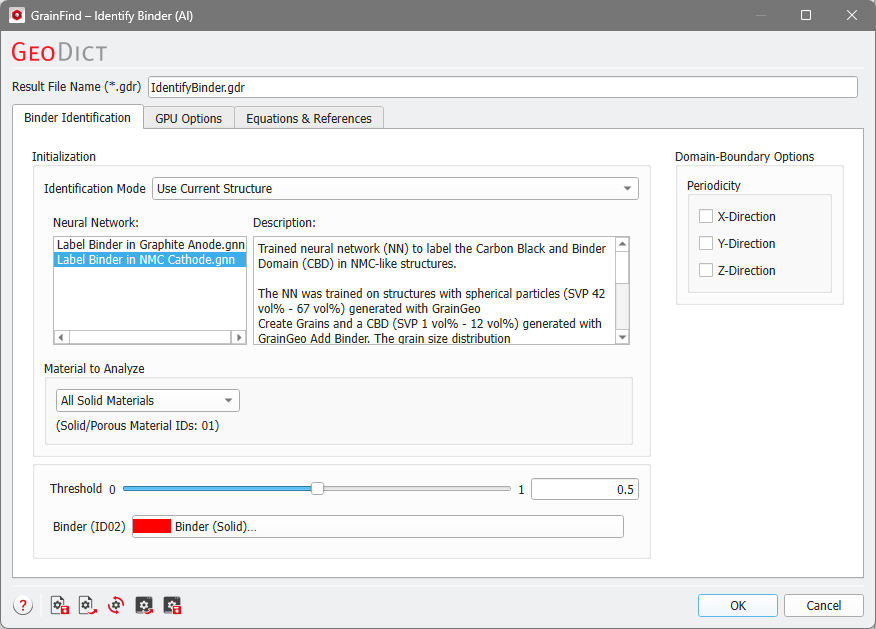
Identify Binder (AI) Options: |
|---|
