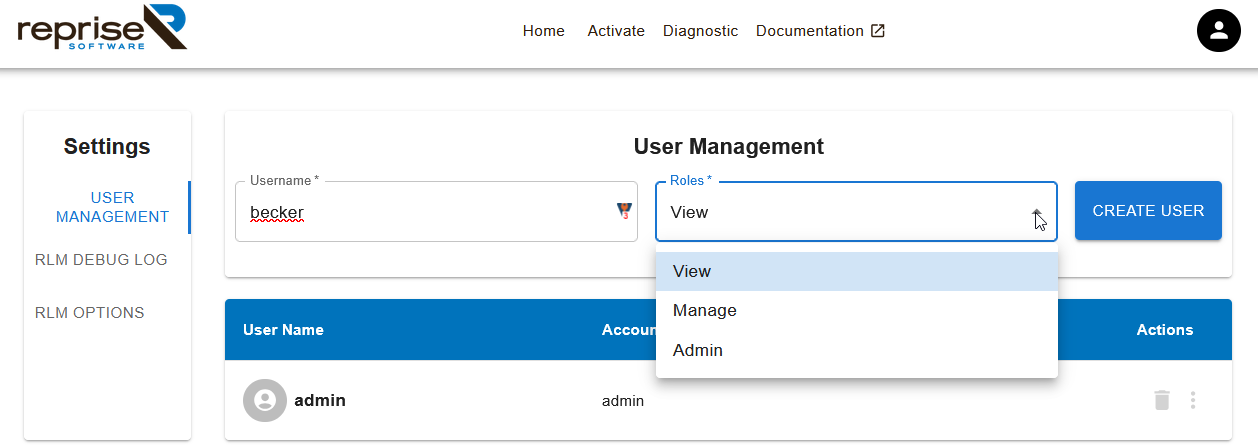
The RLM Web Interface
The RLM server contains an embedded Web Server which can be used to perform most administration of the RLM server itself. The web server allows you to retrieve server and license status and cause the servers to re-read the license files. Using this web-based interface, you can administer the license servers from any platform, and you do not need to install the RLM utilities - you only need a web browser.
Upon first login, you can access the web interface using the username admin and the password admin.
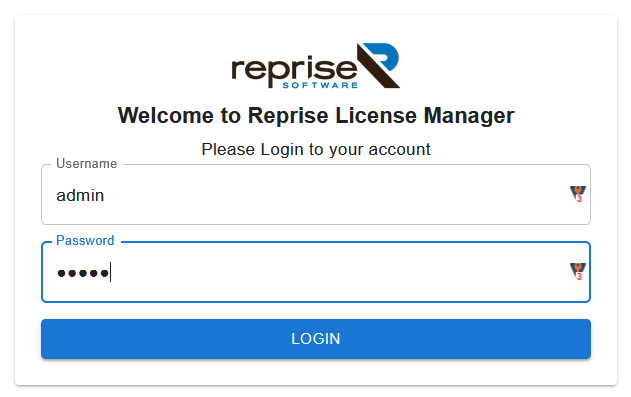
You will be prompted to set a new password on first login. See the RLM License Administration Manual for details.
|
Important! The web server layout has changed significantly between RLM version 15 (shipped with GeoDict 2025) and 17 (shipped with GeoDict 2026). Also, access control is handled different from previous versions of RLM. |

The Web Interface is not only useful for license administrators, it can also be used to by GeoDict users to check if a license is currently in use and to get informed who is using the license and on which host.
We therefore recommend to give all GeoDict users access to the RLM web interface using the View role.