Options
Clicking the Options’ Edit… button opens the Add Binder dialog.
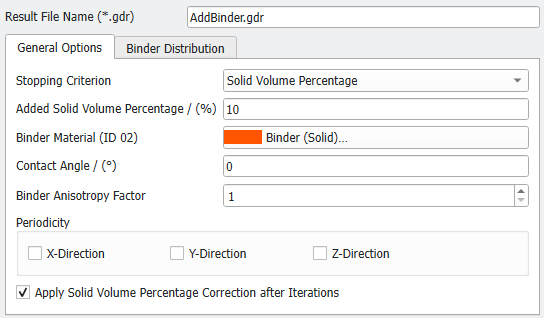
At the top of the Add Binder dialog, the name for the file containing the results of adding binding can be entered in the Result File Name (*.gdr) box. The default name can be kept, or a new name can be chosen, fitting the current project.
Clicking OK in it closes the dialog and returns to the module section. Clicking Generate starts the process.
The options are organized into tabs: |
|---|
|
