Results
The generated structure is shown in the visualization area. Learn more about visualization in GeoDict in the Visualization chapter.
The result file is automatically opened in the Result Viewer and shows structure statistics in the Results-Report and Results-Plot tabs. Additionally, it offers 3D Data Visualization options depending on the generation settings. Find more information on GeoDict result files in the Result Viewer chapter.
Results
 Report
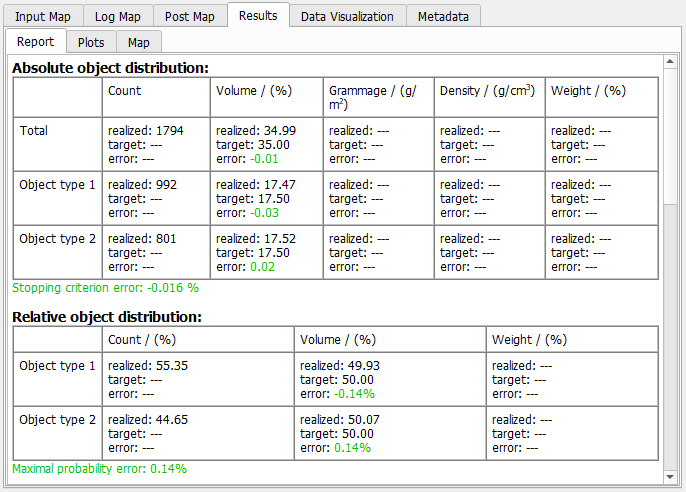
The first two tables show the Absolute and Relative object distribution for all object types.
Afterwards follows a section regarding the overlap between different object types.
Then, the realized, the target, and the error direction tensors for all object types are given. Find below different examples of the direction tensors with isotropic orientation, anisotropy parameters, or orientation tensors.
|
Plots
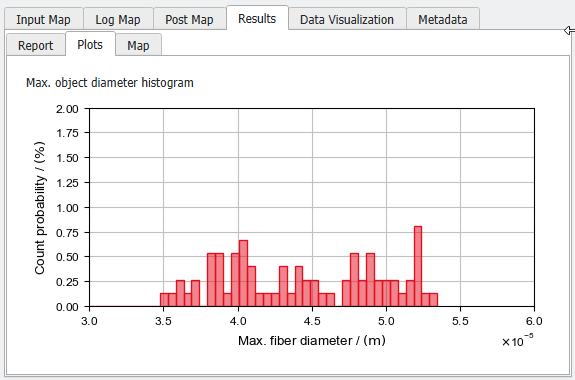
A plot showing the fibers' maximum diameter distribution is shown.
|
Data Visualization
Intermediate Geometries
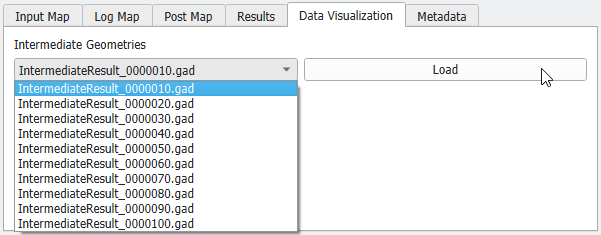
When selecting Save Intermediate Results every # Objects under the Result Options tab, you can open the intermediate geometry files (*.gad) after selecting them in the pull-down menu.
|