Options
The parameters are organized into the Pore Size Options tab, the Material Density tab, and the Equations & References tab, which cites several references.
At the top of the dialog, enter the Result File Name. The result file is saved in the chosen project folder (File → Choose Project Folder in the menu bar).
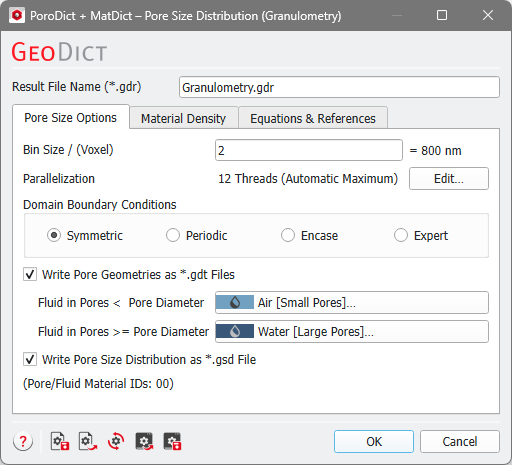
Pore Size Options

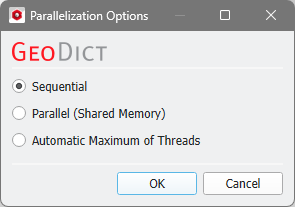
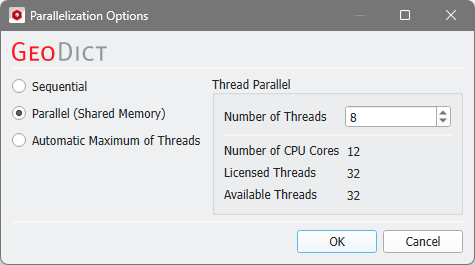
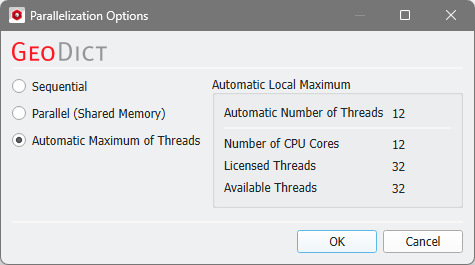
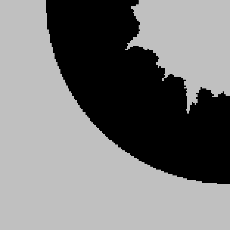

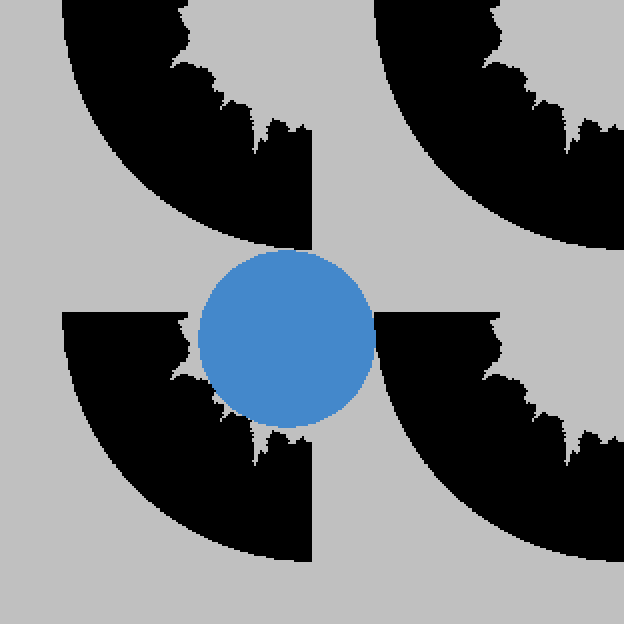

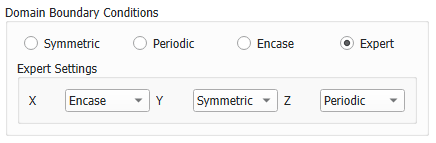
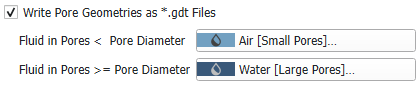
 Write Pore Geometries as *.gdt Files
Write Pore Size Distribution as *.gsd File
Material Density
Under the Material Density tab, the temperature can be edited if the density of a material is temperature dependent. Additionally, the density of every solid material in the structure must be specified in this tab. The density can be given in kg/m3 or g/cm3. For materials from the GeoDict Material Database, the density value is entered automatically. If a material is set to Manual, the Material Law changes to Manual Law and more laws can be added or deleted by clicking the “+” or “-“ button on the right of the corresponding row. You can enter the density for manual materials directly in this tab.

