Compress Structure
The Compress Structure command compacts the structure in Z-direction by the value entered in Compression Fraction. Values must be between 0 and 1, where the extremes (0 [0% compression] and 1 [100% compression]) are not feasible.
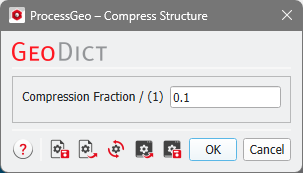
For instance, a value of 0.4 (40%) compresses the structure to 60% of its original thickness in Z-direction. This is shown in the next example, where the structure size in Z-direction is reduced from 200 voxels to 120 voxels. If analytical (GAD) data was present before, this information gets lost during the compression.
Compression Algorithm
The compression algorithm is purely geometrical. Each Z pillar is compressed independently. All solid components in the pillar are placed nearer to each other according to the compression fraction, and the pore space is removed. The solid components do not overlap. When only one connected component is left, and the structure should be further compressed the pillar is scaled down and the mass is no longer preserved.
Observe how the solid components move closer to each other while they keep their original size. Each Z-column is computed independent from its neighboring Z-columns. This means, that the shape of an objects (e.g., the circular cross section of a fiber) is not preserved once the object gets in contact with either the boundary or another object. This can be observed in the last two steps of the example below: each Z-Column of the red material is shifted independently from its neighbors, which results in a distorted shape as soon as it gets in contact with the object above.
