Results
Generating a rectangular pleat medium produces a GeoDict result file (*.gdr) and a result folder with the same name. Both are saved in the chosen project folder (File → Choose Project Folder... in the menu bar).
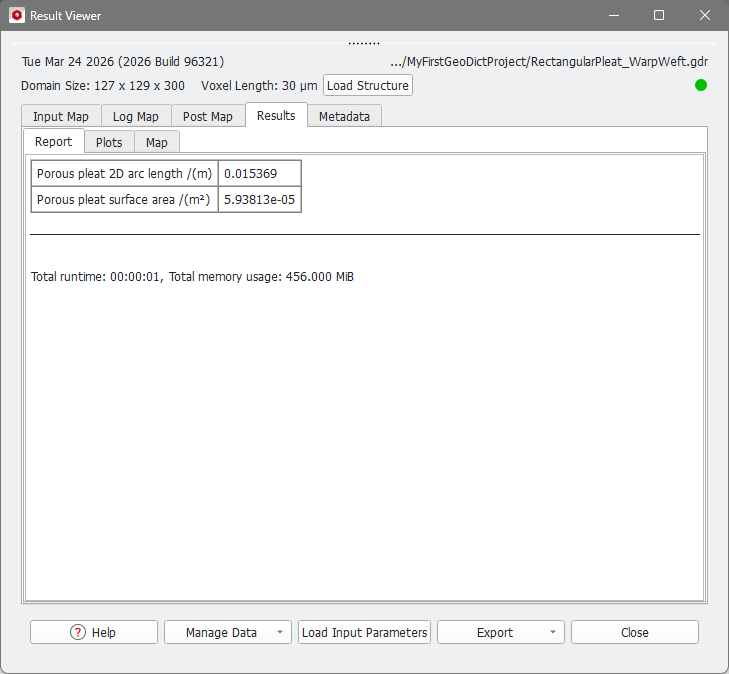
In the Report tab, the Result Viewer displays the pleat profile length as Porous pleat 2D arc length and the corresponding surface area as Porous pleat surface area.
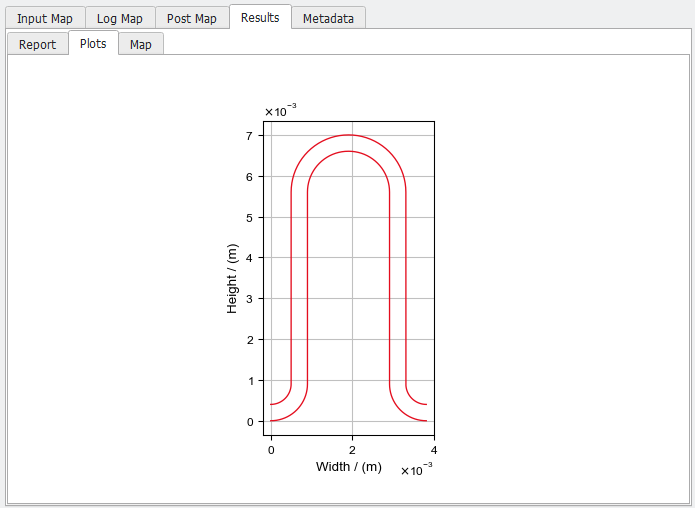
The Plots tab shows the pleat shape and size. Please note that only the shape of the pleat porous medium is focused, supporting structures, including both nettings and weaves, are not represented in this view.