Configure
Select Configure and click Configure… to open the AcoustoDict Configure dialog box, where you can change the path to the AcoustoDict database as desired. Each material in the AcoustoDict database is stored in a single file within this folder and can be individually copied, exchanged, or shared with other users of GeoDict.

In the Default Frequencies panel, predefine the set of frequencies that are used when entering new absorption values into the Acoustic Database.
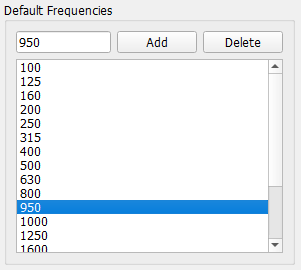
By predefining the frequencies to match those routinely registered by the user’s instrument during measurement, only the Desired Absorption [%] values have to be manually entered in the table when real measurements are transferred to AcoustoDict.
