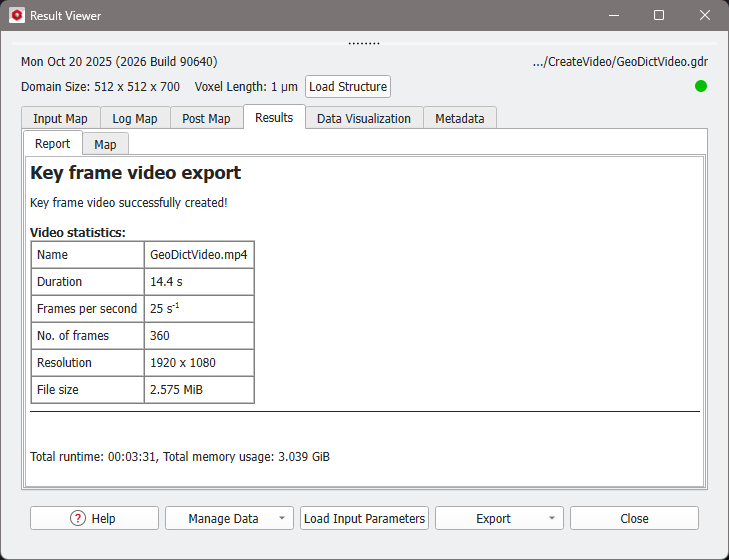
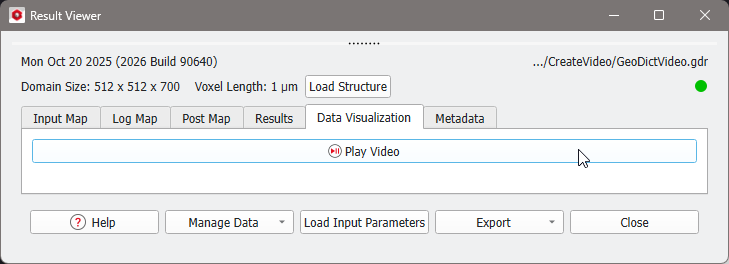
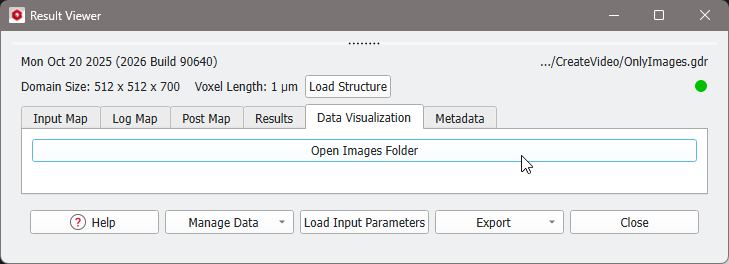
Results
At the end of the video generation, the following files and folder are automatically saved in the selected project folder:
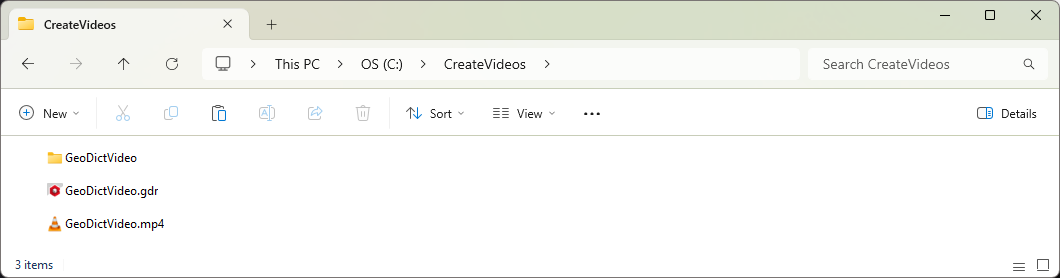
- A result file. For example GeoDictVideo.gdr, which is the default name.
- A result folder with the same name as the result file (e.g., GeoDictVideo). It contains the structure file (Structure.gdt) and, if Keep Images was checked in the Export Video dialog, the folder images with all video frames as *.png files.
- A video with the same name as the result file and in the selected video format (e.g., GeoDictVideo.mp4).
For detailed information about the Result Viewer options, see the Result Viewer chapter.
After the video is finished, the result file (*.gdr) is saved in the project folder and the Result Viewer automatically opens.
|
Know how! The animation settings used for the video can be loaded in the Video Editor by clicking Load Input Map in the Result Viewer and opening the Video Editor with Open Current, or by dragging the result file to the opened Video Editor and dropping it there. |