Acoustic Rock Properties
The Acoustic Rock Properties GeoApp computes the p-wave and s-wave velocities of a structure by converting the E-modul to the velocities.
|
Modules needed to run this GeoApp: ElastoDict, GrainFind, MatDict (for the Contact Correction) |

Click Edit to open the Acoustic Rock Properties dialog.
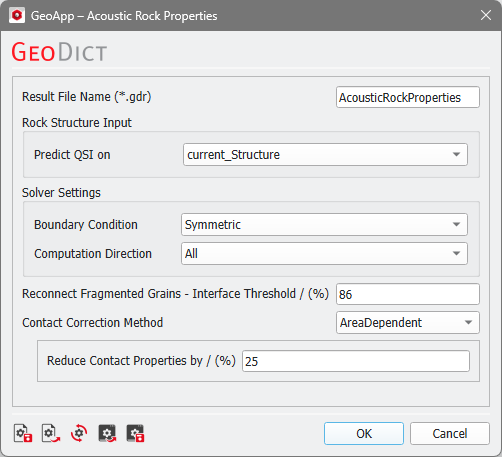
The Result File Name can be changed to fit to your current project.
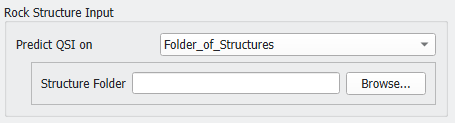
As Rock Structure Input you can select to either use the current_Structure or browse for a Folder_of_Structures to Predict QSI (Quantitative Seismic Interpretation) on multiple structures.
|
Important! In this case, make sure to select a "Compressible Fluid" law within the mechanical properties constituents for all fluids in all structures. |
Under the Solver Settings set the Boundary Condition used by the ElastoDict solver. Here Symmetric and Periodic are possible. The Computation Direction can be one of the three main computation directions (X, Y, or Z) or select All to compute the full tensor.
The settings for the parameters Reconnect Fragmented Grains - Interface Threshold and the Contact Correction Method are the same as for the Contact Correction GeoApp since this app is used to correct the grain-grain contacts.
Results
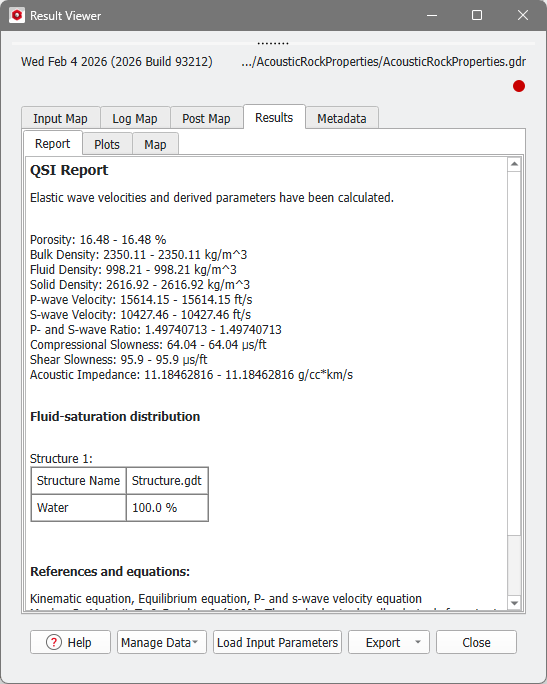
When the simulation finishes, the Result Viewer with the result file (*.gdr) opens automatically.
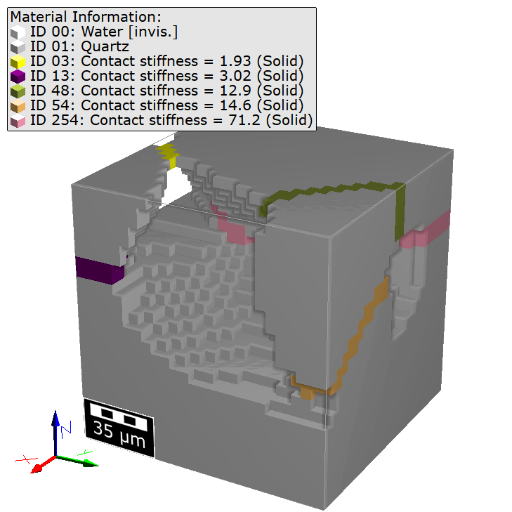
The Results - Report subtab of the Result Viewer shows the QSI Report, which includes the P-wave Velocity and the S-wave Velocity.
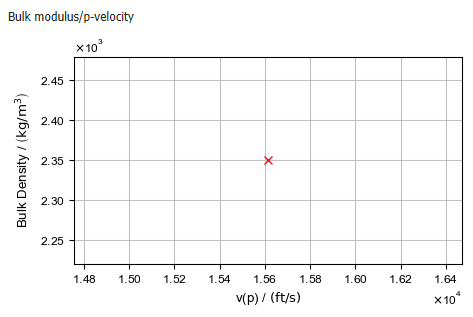
In the Plots subtab, the Bulk Density for the P-wave velocity is plotted.