Catalyst Layer (PEM Fuel Cell)
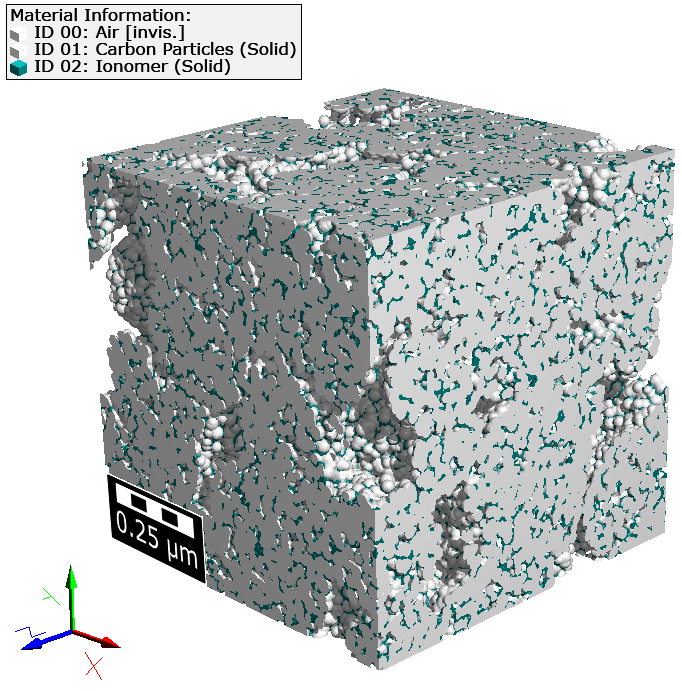
The Catalyst Layer (PEM Fuel Cell) app creates a model of the catalyst layer of a PEM fuel cell.
|
Modules needed to run this GeoApp: GrainGeo |

Parameters
Clicking Edit opens the Catalyst Layer (PEM Fuel Cell) Parameters dialog.

Enter a Result File Name for the generated result file (*.gdr) and the corresponding result folder.
Then, set the Voxel Length in nm and the domain size in Voxel in the three directions using the parameters NX, NY, and NZ.
Finally, set the parameters for the Particles and Ionomer Materials by defining the Name and their Solid Volume Percentage.
For both materials you can change the material information by editing the Particle Name and Ionomer Name. The materials will both be set to manual but through the material information they still get individual names.
Choose a different Random Seed, to generate a different structure but with the same statistical properties.
Results
Clicking Run creates the catalyst layer and saves the structure file in the result folder..