Options
At the top left of the dialog, the name for the file containing the generation results can be entered in the Result File Name (*.gdr) box. The default name can be kept, or a new name can be chosen, fitting the current project.
The result files are saved in the chosen project folder (File → Choose Project Folder, in the Menu bar). If a GeoDict result file (*.gdr) with the given name already exists in the project folder, a warning message is shown at the start of the creation process. You can either decide to rename the chosen file name to a new one, to cancel the generation process, to overwrite or to back up the old file. When nothing is selected, GeoDict uses the Back-Up option after a waiting time.
The available units (m, mm, and µm) are selectable from the pull-down menu at the top right of the dialog. When the units are changed, the entered values are adjusted automatically.
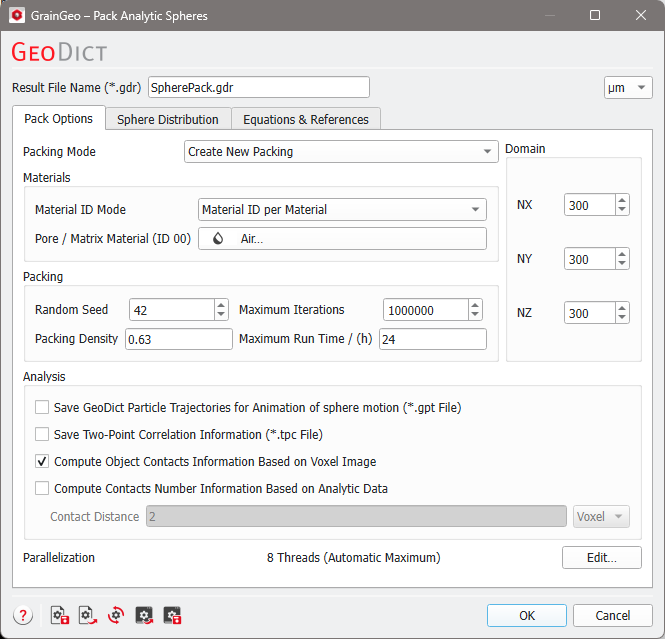
The parameters are organized into tabs: |
|---|
|
|
Each option is explained by a tooltip which appears when resting the mouse over the icon. |


