Results
The structure with grown sediment is shown in the visualization area. Learn more about visualization in GeoDict in the Visualization User Guide.
The result file is automatically opened in the Result Viewer and shows the reached solid volume percentage in the Results - Report tab. Additionally, it offers 3D Data Visualization options depending on the generation settings. Find more information on GeoDict result files in the Result Viewer User Guide.
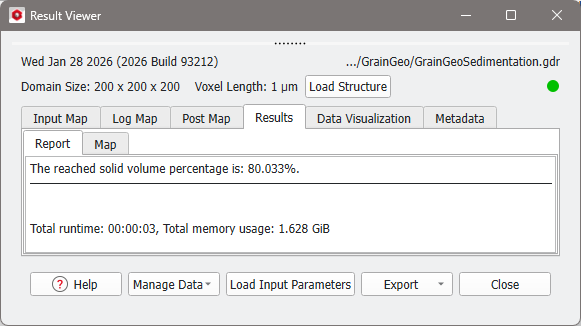
From the Data Visualization tab several files can be loaded.
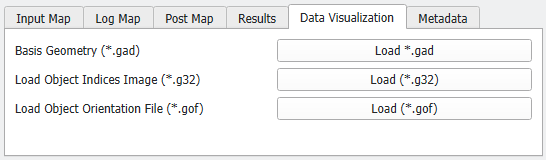
It is always possible to load the original structure before growing sediment by clicking Load *.gad.
If Save Voxel-Geometry with Object Indices was selected in the Options dialog, you can load the object indices image by clicking Load (*.g32).
If Save Grain Orientation was selected in the Options dialog, you can load the object orientation image by clicking Load (*.gof).
These two files can be used, together with the structure, to compute, e.g., elastic properties with transversal isotropic or orthotropic constituent materials laws with the ElastoDict module.
Below an example for an orientation image is shown.

Find more information about visualization of volume fields in the Visualization User Guide.
