Results
After thresholding a stochastic field the corresponding GeoDict result file (*.gdr) is opened in the Result Viewer automatically.
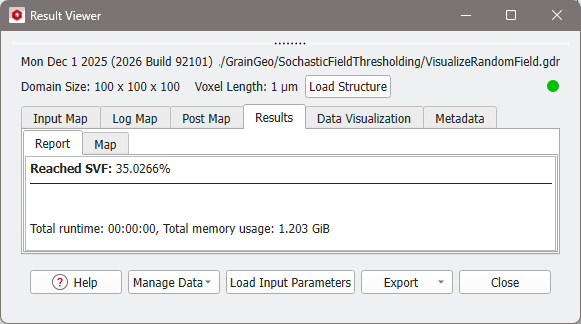
The Report tab of the result file only shows the reached solid volume fraction.
From the Data Visualization tab, the generated stochastic field can be loaded if Save Random Field (*.gvf) was checked in the Result Options. Click Solid Volume Fraction (*.gvf) and in the opening dialog click OK.
The visualization of the structure can be turned off by unchecking the Structure tab in the visualization panel above of the visualization area in the GeoDict GUI. To learn more about the GeoDict visualization settings, e.g., how to change the color of the volume field, see the Visualization User Guide.
