Options
The GAD Objects Orientation dialog opens when clicking the Options’ Edit… button. At the top of the dialog, enter the Result File Name. The result file is saved in the chosen project folder (File → Choose Project Folder in the menu bar).

From the Orientation for Type pull-down menu, select the object type that should be analyzed. All object types present in the current structure are identified automatically and are listed in the pull-down menu.
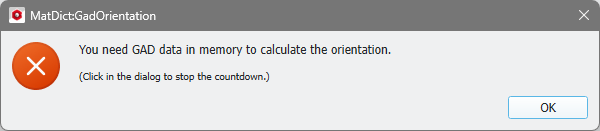
If no analytic data is available for the current structure, the object orientation analysis is not carried out after clicking Run in the MatDict section, and an error message appears.
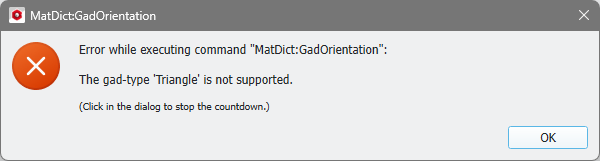
Not all object types are suitable for an orientation analysis. If this is the case another error message appears.