Fiber Options
In the Fiber Options tab you can define the geometrical properties of your fiber types. Add up to eight individual fiber types to your structure.
The fiber type parameters are organized and listed in three columns. In the left one define the Fiber Type together with it's percentage and material, the center one shows a cross-section of the chosen fiber type and in the right one you can edit the Fiber Parameters. In the bottom, find the options to choose additional fiber types and how the fiber percentage should be given.
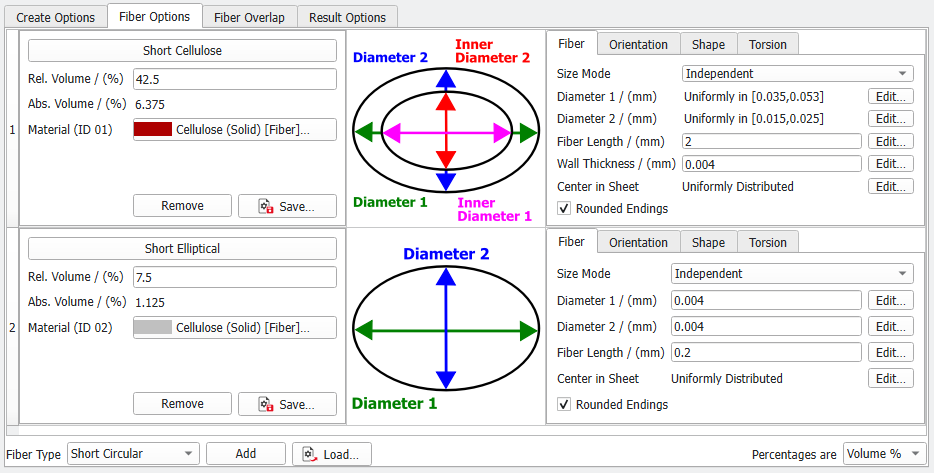
The parameters are organized in the following columns: |
|---|
|
