Pleat Shape
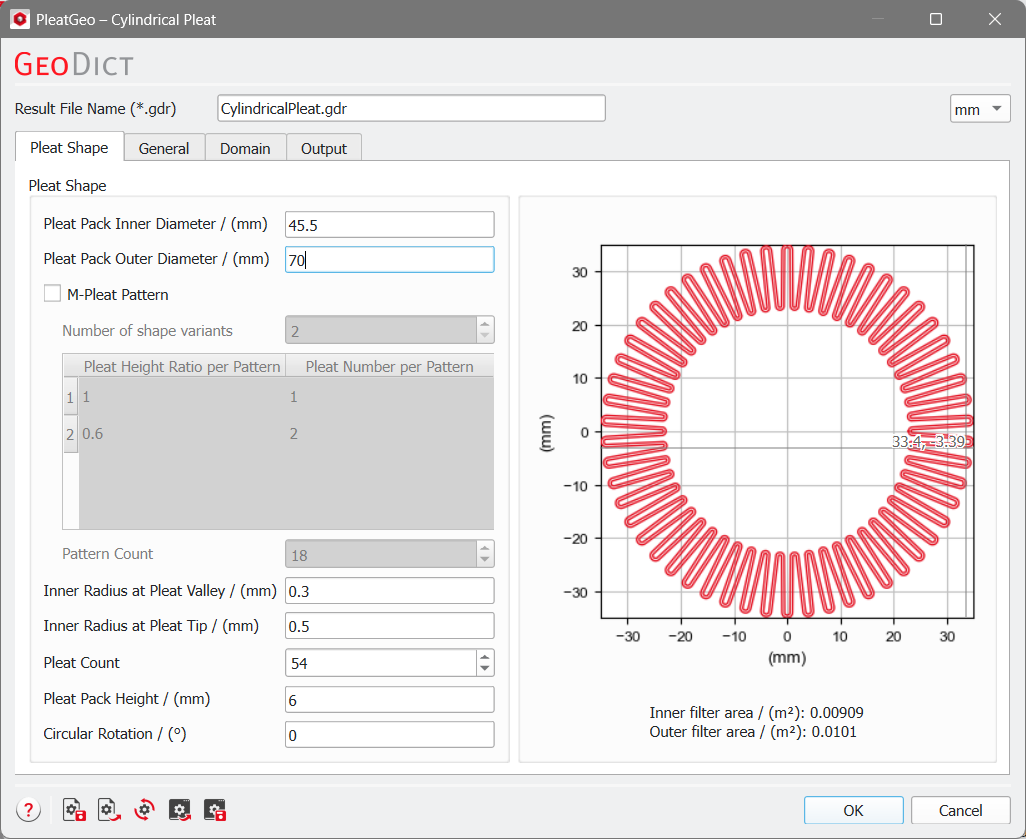
The shape properties of the pleat structure are entered under the Pleat Shape tab.
When entering Pleat Shape parameter values, the pleat graph at the right of the panel changes interactively and displays the effect of these adjustments on the pleat shape.
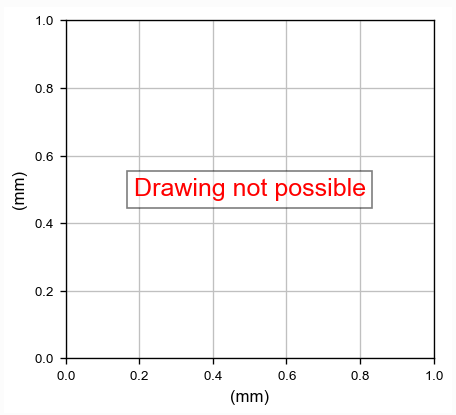
If invalid values are entered, the graph contains the error message “Drawing not possible” and no pleat medium is shown.
 Pleat Pack Inner / Outer Diameter
The parameters Pleat Pack Inner Diameter and Pleat Pack Outer Diameter define the pleat height and the distance to the center point of the cylindrical pleat medium.
|
M-Pleat Pattern
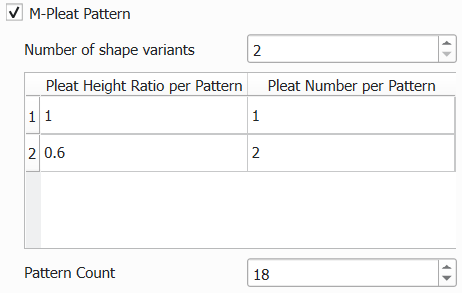
Checking M-Pleat Pattern applies an M-like shape on the pleats. The parameters to define the M-Pleat Pattern are shown.
Increasing the Number of shape variants increases the table underneath, which allows you to the ratios of pleat height and pleat number.
For Pleat Number per Pattern in the table, for example, choosing Pattern 1 as 2 and Pattern 2 as 1 means, that for each short pleat two long pleats are found in the pleat medium.
For Pleat Height per Pattern enter a number between 0 and 1. The smaller the number the shorter the short pleats. For a height ratio of 1 short and long pleats will have the same height.
The value entered for Pattern Count is the number of pattern repetitions. A pattern consists of one short pleat and the number of long pleats defined by the short to long pleat number ratio. For M-shaped pleats, the Pattern Count replaces the Pleat Count.
|
Inner Radius at Pleat Valley / Tip
Define the Inner Radius at Pleat Valley and the Inner Radius at Pleat Tip to change the valley and tip shape of the pleats.
|
Pleat Count
Pleat Count defines the total number of pleats that build the cylindrical pleat medium, if M-Pleat Pattern is not selected. Otherwise, it becomes grayed out, but the value is calculated automatically by the M-Pleat pattern mode and pattern count.
|
Pleat Pack Height
The Pleat Pack Height defines the height of the cylindrical pleat medium in Z-direction.
|
Circular Rotation
Define an angle for the Circular Rotation. Positive values rotate the cylindrical pleat medium in clockwise direction and negative values rotate it in anticlockwise direction.
|