Tensors
After performing a simulation which produced stress or strain volume fields, you can visualize the tensor field. The simulations in ElastoDict and BatteryDict-Degradation produce these fields when selected under Output Options.
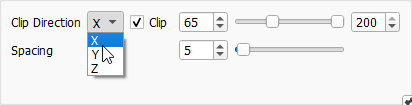
The Tensors tab controls the visibility of the tensors. Some additional options and all the options from the View Controls can also be found in the Visualization Settings dialog. Expand the Visualization Settings dialog either by clicking the gear wheel icon in the bottom right of the Tensors tab or by opening the Visualization tab in the sidebar and unfolding the Data View → Tensors section.