Single-Layer Weave
When selecting Single-Layer Weave in the WeaveGeo section, one of the three most common weave patterns Plain Weave, Twill Weave, and Satin Weave can be selected from the pull-down menu.
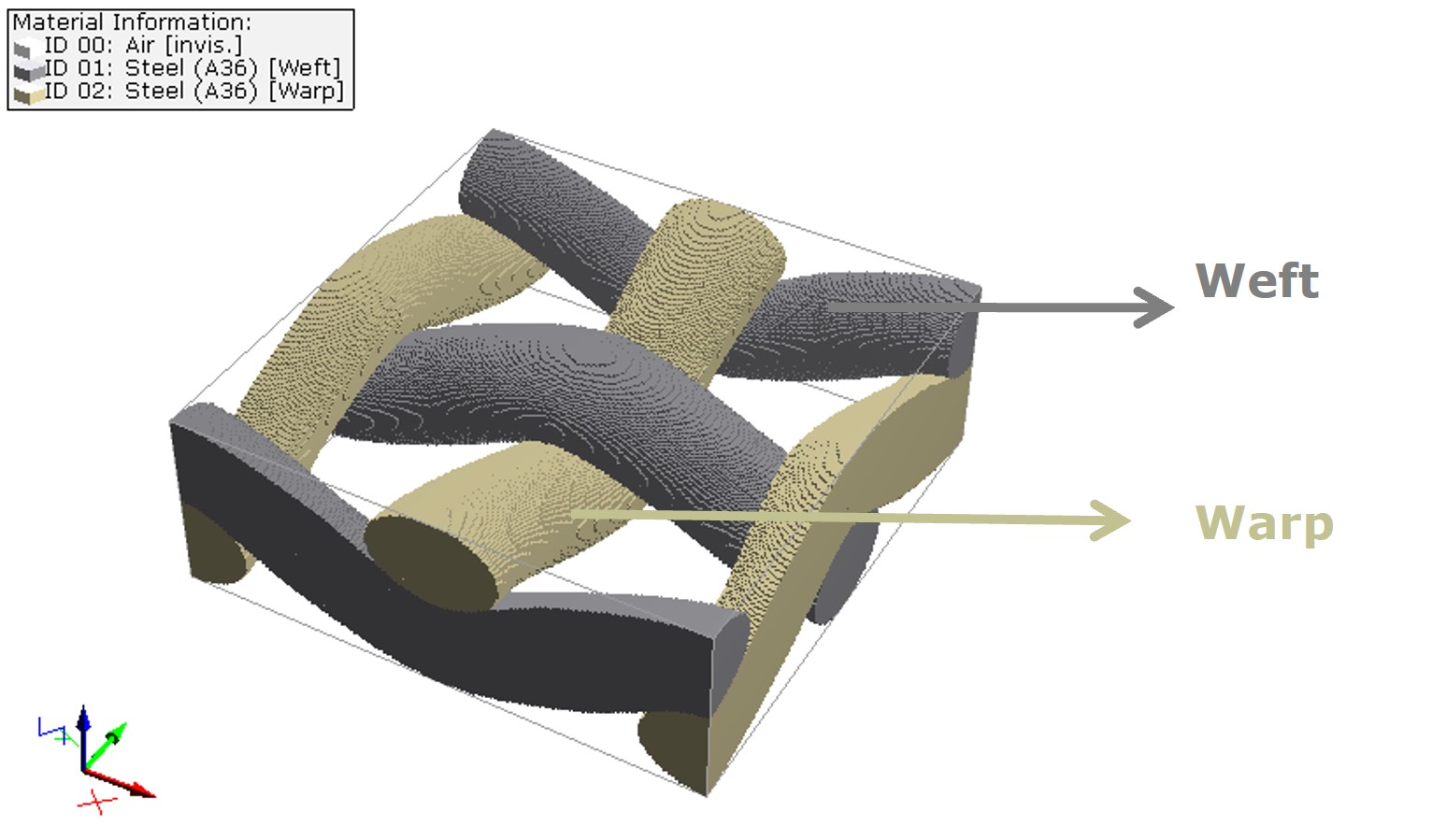
Each structure is composed of unit cells. For the plain weave, e.g., a unit cell has two weft threads and two warp threads. In the X- and Y-direction, a unit cell starts at the middle of one thread and ends at the middle of the second next thread. This means there are two meshes in each the X- and Y-direction. The size of the unit cell in the X-, Y-, and Z-direction is determined based on the entered parameters for the thread types and weaving patterns and cannot be determined by the user. However, it is possible to enter the number of unit cells which form the structure.
|
Know how! Every structure in WeaveGeo is generated periodically. This means a thread leaving on one side of a unit cell re-enters it on the other side. |

Clicking the Generate button at the bottom of the WeaveGeo section starts the generation of the structure. Below, an example structure which consists of one unit cell is given. Throughout this WeaveGeo User Guide (except for the complex multi-layer weaves), the weft thread is always grey and the warp thread is always beige.
Learn how to create single-layer weave structures: |
|---|
|
